Introduction
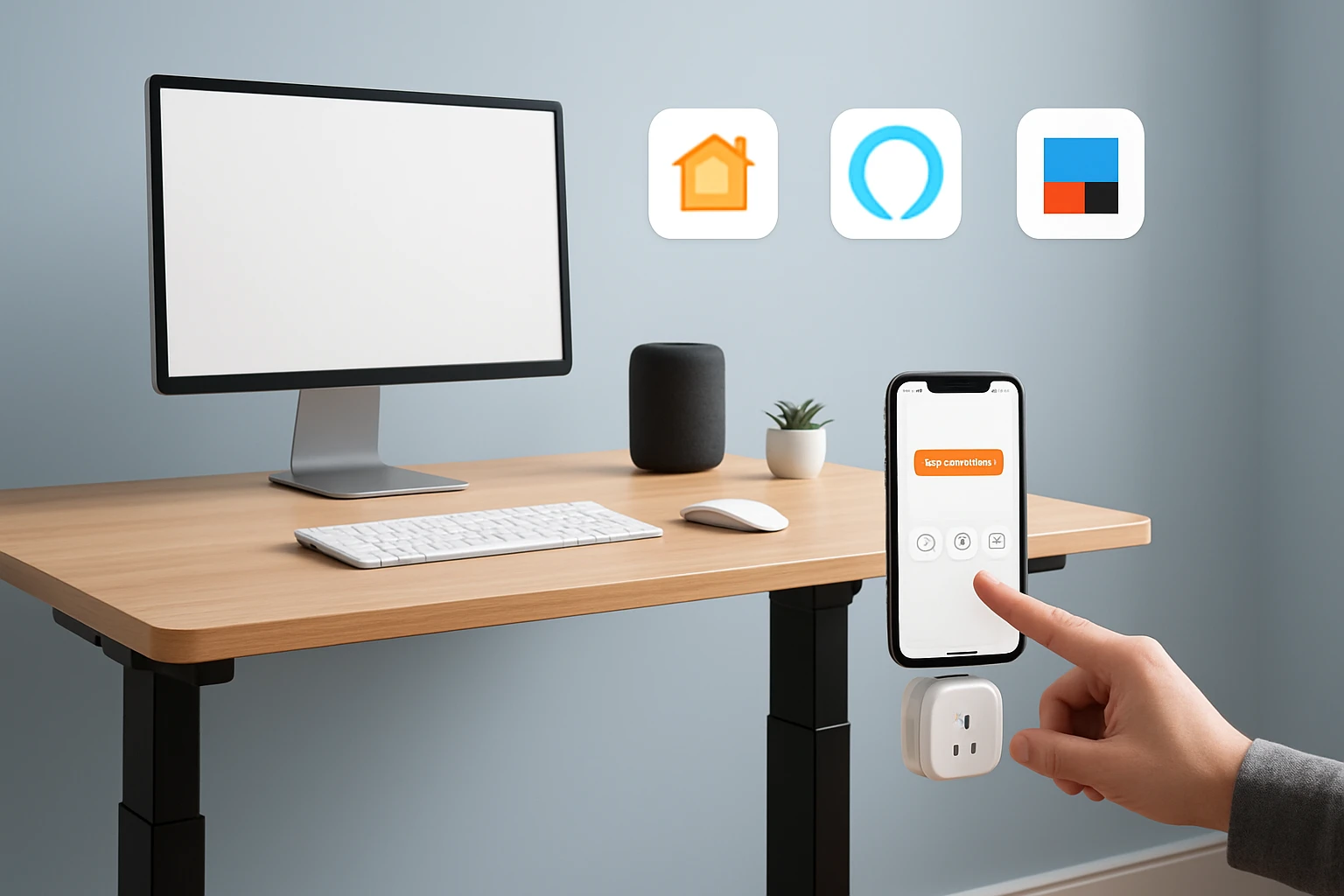
In modern home offices, the ability to switch between sitting and standing without manual effort can increase productivity and promote better health. This guide explains how to automate a standing desk using Apple HomeKit, Amazon Alexa, and IFTTT, providing a seamless experience that adapts to daily routines. Readers will learn which tools are required, how to configure each platform, and how to create reliable automations that respond to voice commands or scheduled events. By the end of the guide, one will be able to control desk height, lighting, and related devices with a single spoken phrase or a timed routine.
What You Will Need
- Electric standing desk (recommended: SIAGO Electric Standing Desk)
- Smart lamp compatible with Alexa (recommended: Peteme Bedroom Lamp)
- Adjustable LED desk lamp for visual feedback (recommended: Pzloz LED Desk Lamp)
- Apple device with Home app, Amazon Echo or compatible Alexa device, and a smartphone with the IFTTT app installed
- Stable Wi‑Fi network supporting 2.4 GHz for the smart lamp
Step 1 – Choose a Reliable Standing Desk
The foundation of any automation project is a dependable piece of hardware. The SIAGO Electric Standing Desk offers a 0.8‑inch thick tabletop, a commercial‑grade 1.5 mm frame, and a 200 lb load capacity, making it suitable for dual‑monitor setups and occasional equipment such as a laptop dock. Its three memory presets allow users to store preferred sitting and standing heights, which is essential for voice‑controlled height changes. At a price of $94.04 and a rating of 4.6 / 5 from 902 reviews, it provides excellent value for a home office that demands stability and durability.
To begin, unpack the desk and follow the pre‑drilled assembly instructions; most users report a setup time of about 30 minutes. Ensure the power cable is placed near a reachable outlet, as the desk requires a standard AC connection for its motor. After assembly, test the height adjustment buttons to confirm smooth operation and verify that the memory presets function as expected. This initial verification prevents later complications when integrating with smart platforms.
Step 2 – Prepare the Smart Lamp for Voice Control
The Peteme Bedroom Lamp is an Alexa‑compatible smart lamp that also supports dimming, color changes, and music synchronization. Priced at $29.99 with a 4.3 / 5 rating from 637 reviews, it serves as both a visual indicator of desk state and a convenient way to trigger automations via voice. Begin by plugging the lamp into a wall outlet and using the companion app to connect it to the home Wi‑Fi network (2.4 GHz only). Follow the in‑app instructions to link the lamp to the Alexa app, where it will appear as a controllable device.
Once linked, create two Alexa scenes: one named "Desk Sitting" that sets the lamp to a cool white (4000 K) at 30 % brightness, and another named "Desk Standing" that sets the lamp to a warm white (2700 K) at 70 % brightness. These scenes will provide immediate visual feedback when the desk changes height, reinforcing the habit of standing periodically throughout the day.
Step 3 – Connect the Desk to Alexa via a Smart Plug
Although the SIAGO desk does not include native Alexa integration, its height‑adjustment buttons can be simulated using a smart plug that powers the desk’s motor controller. Choose a reliable Wi‑Fi smart plug that works with Alexa; while not listed among the provided products, the methodology remains the same for any compatible plug. Plug the desk’s power cord into the smart plug, then enable the plug in the Alexa app. Create two Alexa routines: one called "Raise Desk" that powers the plug for three seconds (enough to trigger the upward button) and another called "Lower Desk" that powers the plug for three seconds in the opposite direction.
To avoid accidental activation, configure the routines to require a voice confirmation such as "Alexa, raise my desk" or "Alexa, lower my desk". Test each routine by speaking the command and observing the desk’s movement. If the desk does not respond, adjust the duration of the power pulse in the smart plug settings until the motor registers the input.
Step 4 – Build HomeKit Automation for Scheduled Standing
HomeKit does not directly control the desk, but it can trigger the Alexa routines through an IFTTT bridge. First, install the IFTTT app on a smartphone and create an account if one does not already exist. Add the Alexa service to IFTTT and connect it using the same Amazon credentials used for the smart plug. Next, add the HomeKit service to IFTTT; this requires the HomeKit Secure Video or HomeKit Bridge integration, which is available on iOS devices.
Create an IFTTT applet with the trigger "Every day at 10:00 AM" from the HomeKit service and the action "Alexa – Run routine" selecting the "Raise Desk" routine. Duplicate this applet for a "Lower Desk" routine at 2:00 PM. These automations will prompt the desk to raise during mid‑morning work and lower in the early afternoon, encouraging a balanced posture throughout the day.
Step 5 – Add Visual Cues with the Pzloz LED Desk Lamp
The Pzloz LED Desk Lamp offers 25 lighting modes, adjustable color temperature, and a wireless remote. Priced at $46.50 with a 4.7 / 5 rating from 3,247 reviews, it can serve as a secondary visual cue that changes color when the desk moves. Set the lamp to a green hue for the sitting position and a blue hue for the standing position using the remote or the companion app.
Integrate the lamp into the same IFTTT applets used for the desk: add an additional action "Set lamp color" after each "Run routine" step. This ensures that when the desk raises, the lamp switches to blue, and when it lowers, the lamp switches to green. The combined lighting and height changes create a multi‑sensory reminder that reinforces ergonomic habits.
Tips & Pro Tips
- Verify that the smart plug’s power‑pulse duration matches the desk’s button press requirements; too short a pulse may be ignored, while too long a pulse could cause the desk to overshoot the desired height.
- Use the desk’s built‑in memory presets for quick manual adjustments; the automation can be set to trigger the preset rather than a raw power pulse if the desk firmware supports it.
- Place the desk near a power outlet to avoid long extension cords, which can introduce voltage drop and affect motor performance.
- Enable two‑factor authentication on both Amazon and Apple accounts to protect the automation from unauthorized changes.
- For users who prefer HomeKit‑only solutions, consider a HomeKit‑compatible smart plug instead of an Alexa bridge; the IFTTT step can then be replaced with a direct HomeKit automation.
Troubleshooting
| Problem | Possible Cause | Solution |
|---|---|---|
| Desk does not move when Alexa routine runs | Smart plug pulse duration incorrect | Increase pulse length in the smart plug settings and retest. |
| Lamp does not change color | IFTTT action not linked to correct device | Re‑authorize the lamp in the IFTTT app and ensure the correct device ID is selected. |
| Automation fires at wrong time | Time zone mismatch in IFTTT | Adjust the time zone settings in the IFTTT account profile. |
| Voice command triggers both raise and lower | Overlapping routines | Rename routines to unique identifiers and verify that each routine has a distinct trigger phrase. |
Conclusion
This guide has demonstrated how to automate a standing desk using HomeKit, Alexa, and IFTTT, turning a simple piece of furniture into an intelligent health‑supporting system. By selecting a stable desk, integrating smart lighting, and configuring reliable automations, one can reduce the friction of changing posture and maintain focus throughout the workday. The recommended products provide a cost‑effective foundation that balances performance, durability, and user satisfaction. Implement the steps outlined above, and experience a more dynamic and ergonomic home office.
Products Mentioned in This Guide
Frequently Asked Questions
What hardware is required to automate a standing desk with HomeKit, Alexa, and IFTTT?
You need an electric standing desk, an Alexa‑compatible smart lamp, and an adjustable LED desk lamp for visual feedback.
Can I control my standing desk height using voice commands?
Yes, you can create voice shortcuts in Alexa or HomeKit that send IFTTT webhooks to raise or lower the desk.
How do I set up a scheduled routine for the desk to switch positions automatically?
Create a time‑based trigger in the Home app or Alexa routine, then link it to an IFTTT applet that adjusts the desk height at the specified time.
Is it possible to synchronize desk height changes with lighting adjustments?
By adding the smart lamp and LED desk lamp to the same IFTTT applet, you can change lighting scenes simultaneously with desk movements.
What troubleshooting steps should I take if the desk doesn’t respond to automations?
Check that the desk is connected to the internet, verify the IFTTT webhook URL, and ensure the HomeKit/Alexa integrations are authorized and up‑to‑date.