Introduction
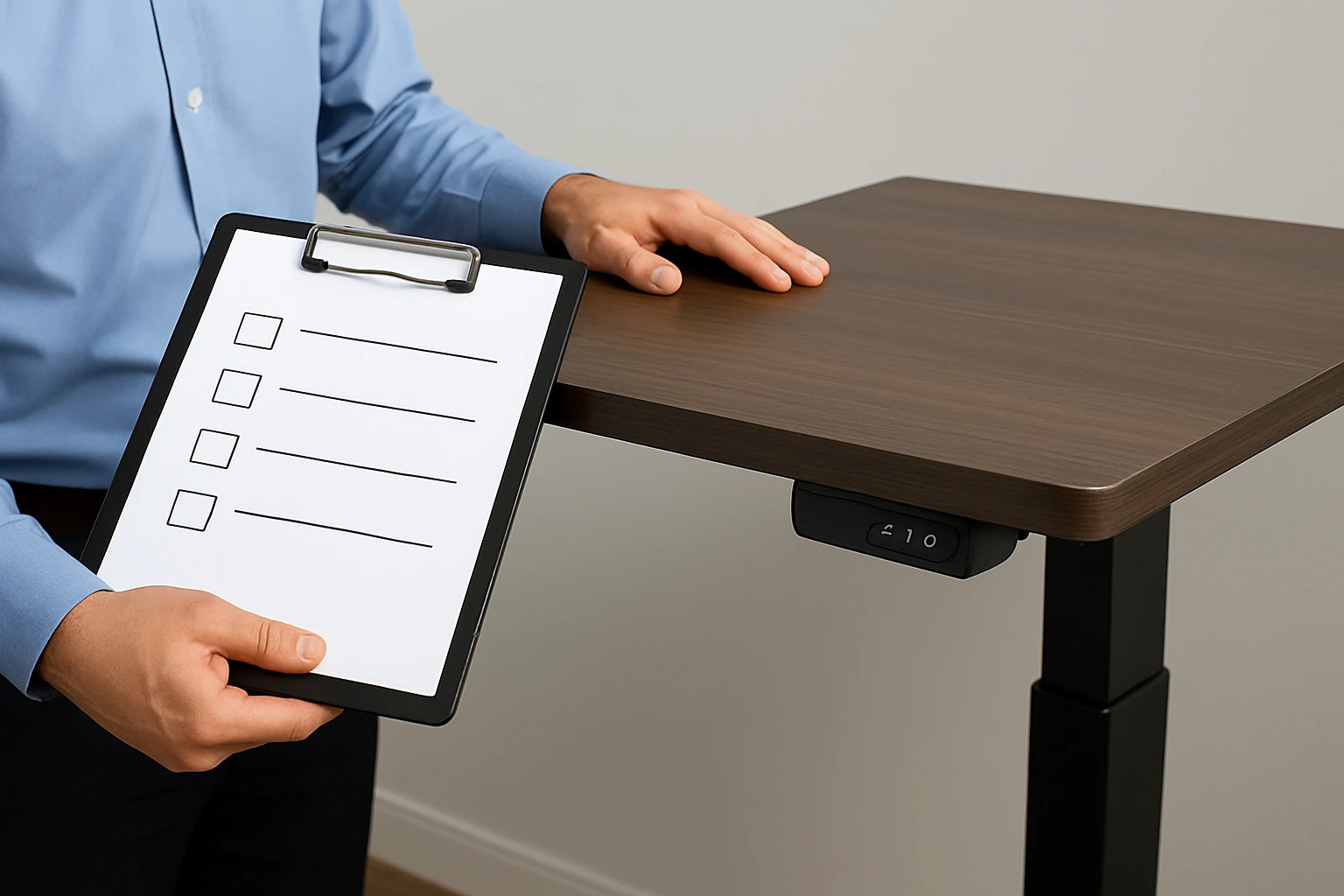
This guide will teach the reader how to evaluate a used standing desk before committing to a purchase. It explains why a systematic inspection prevents wasted money and future ergonomic problems. The reader will learn a practical checklist that covers visual, mechanical, electrical, and documentation aspects. By following these steps, one can make an informed decision and secure a desk that will last for years.
What You’ll Need
- A reliable flashlight or headlamp for inspecting hidden areas.
- A level tool to verify surface flatness.
- A set of screwdrivers for loosening fasteners.
- Optional: a FITUEYES 32” Standing Desk Converter to test height‑adjustment mechanisms on a comparable surface.
Step 1: Verify Seller Credibility
Begin by confirming that the seller has a positive reputation on the marketplace. Review the seller’s feedback score, response time, and any return policy they offer. A reputable seller is more likely to provide accurate descriptions and honor post‑sale support. If the seller’s rating is below four stars, consider asking for additional photos or moving on to another listing.
Step 2: Inspect Physical Condition
- Examine the desktop for scratches, dents, or warping. Use a flashlight to highlight surface irregularities that may not be visible in ambient light.
- Check the frame for rust, loose welds, or missing bolts. Tighten any visible fasteners with a screwdriver to assess structural integrity.
- Inspect the legs or base for stability. Gently rock the desk; excessive wobble indicates compromised joints.
At this stage, the FITUEYES 32” Standing Desk Converter can serve as a reference surface. Its sturdy base holds up to 33 lb and offers a smooth dual‑gas‑spring height change, allowing the inspector to compare the feel of a well‑engineered mechanism against the used desk.
Step 3: Test Mechanical Functionality
- Operate the height‑adjustment controls repeatedly, moving the desk from its lowest to highest position.
- Listen for grinding noises, jerky motions, or delayed responses, which may signal worn gears or motor issues.
- Observe the locking mechanism; it should engage securely at any height without slipping.
For a benchmark, the FLEXISPOT EN1 Electric Standing Desk 48" provides a zero‑wobble, one‑piece desktop with smooth electric lift (28.1"–45.7"). Its four memory presets demonstrate reliable motor performance, making it an ideal comparison tool for evaluating the used desk’s lift system.
Step 4: Evaluate Electrical Components
- Inspect the power cord for cuts, fraying, or exposed wires.
- Plug the desk into a grounded outlet and verify that the motor starts quietly and reaches the selected height.
- Test any built‑in USB ports, cable‑management holes, or auxiliary accessories for proper operation.
The Furmax 45" Electric Standing Desk features a whisper‑quiet motor and integrated cable‑management hole, illustrating how a well‑designed electrical system should behave. Comparing the used desk to this model helps identify sub‑par motors or unsafe wiring.
Step 5: Confirm Dimensions and Compatibility
- Measure the desktop width, depth, and height range with a tape measure.
- Ensure the desk fits within the intended room layout, leaving adequate clearance for chairs and monitors.
- Check weight capacity against the user’s equipment load (monitors, laptops, accessories).
The HUANUO 32" Small Electric Standing Desk offers a compact footprint (32" wide) and a height range of 28.3"–46.5", making it a useful reference for space‑constrained environments. Its four programmable memory settings demonstrate how a desk can adapt to multiple users in a shared office.
Step 6: Review Documentation and Warranty
- Ask the seller for the original user manual, assembly instructions, and any warranty paperwork.
- Verify the model number matches the product listing and that serial numbers are present on the frame.
- Check whether the manufacturer offers a transferable warranty; a desk with an active warranty adds value.
Manufacturers such as FITUEYES, FLEXISPOT, Furmax, and HUANUO typically provide online PDFs of their manuals. Accessing these documents before purchase allows the buyer to confirm that the desk’s specifications align with the seller’s description.
Tips & Pro Tips
- Bring a portable level; even a slight tilt can cause monitor misalignment and neck strain.
- Test the desk with your own monitor setup, if possible, to gauge real‑world ergonomics.
- Record a short video of the desk in operation; this evidence can be valuable if a dispute arises.
- Negotiate a short test‑period or return window when buying from a local seller.
Troubleshooting Common Issues
- Wobble after adjustment: Tighten all bolts, check for warped legs, and compare against the zero‑wobble performance of the FLEXISPOT EN1.
- Motor stalls or makes noise: Verify power supply voltage, inspect for debris in the lift column, and consider the quiet motor design of the Furmax desk as a benchmark.
- Surface unevenness: Use a level; if the desktop is warped, the desk may not support dual monitors properly, leading to ergonomic strain.
Conclusion
Inspecting a used standing desk requires careful attention to seller reputation, physical condition, mechanical operation, electrical safety, dimensions, and documentation. By following this checklist, one can avoid costly mistakes and secure a desk that supports health‑focused work habits. Remember that using reputable reference products, such as the ones highlighted in this guide, can make the evaluation process more objective and reliable.
Products Mentioned in This Guide
Frequently Asked Questions
How can I verify the credibility of a seller before buying a used standing desk?
Check the seller’s feedback score, response time, and return policy on the marketplace; a high rating and clear policies indicate reliability.
What basic tools do I need to inspect a used standing desk?
A flashlight or headlamp, a level, and a set of screwdrivers are essential; a standing desk converter can help test height adjustments.
How do I assess the mechanical stability of a used standing desk?
Inspect the frame for cracks, tighten all fasteners, and test the lift mechanism through its full range to ensure smooth operation.
What electrical components should I examine on a used electric standing desk?
Check the power cord for damage, test the control panel and motor for consistent height changes, and listen for unusual noises.
Why is it important to review documentation when buying a used standing desk?
Documentation like manuals, warranty info, and original purchase receipts confirms model specifications and can simplify future support.