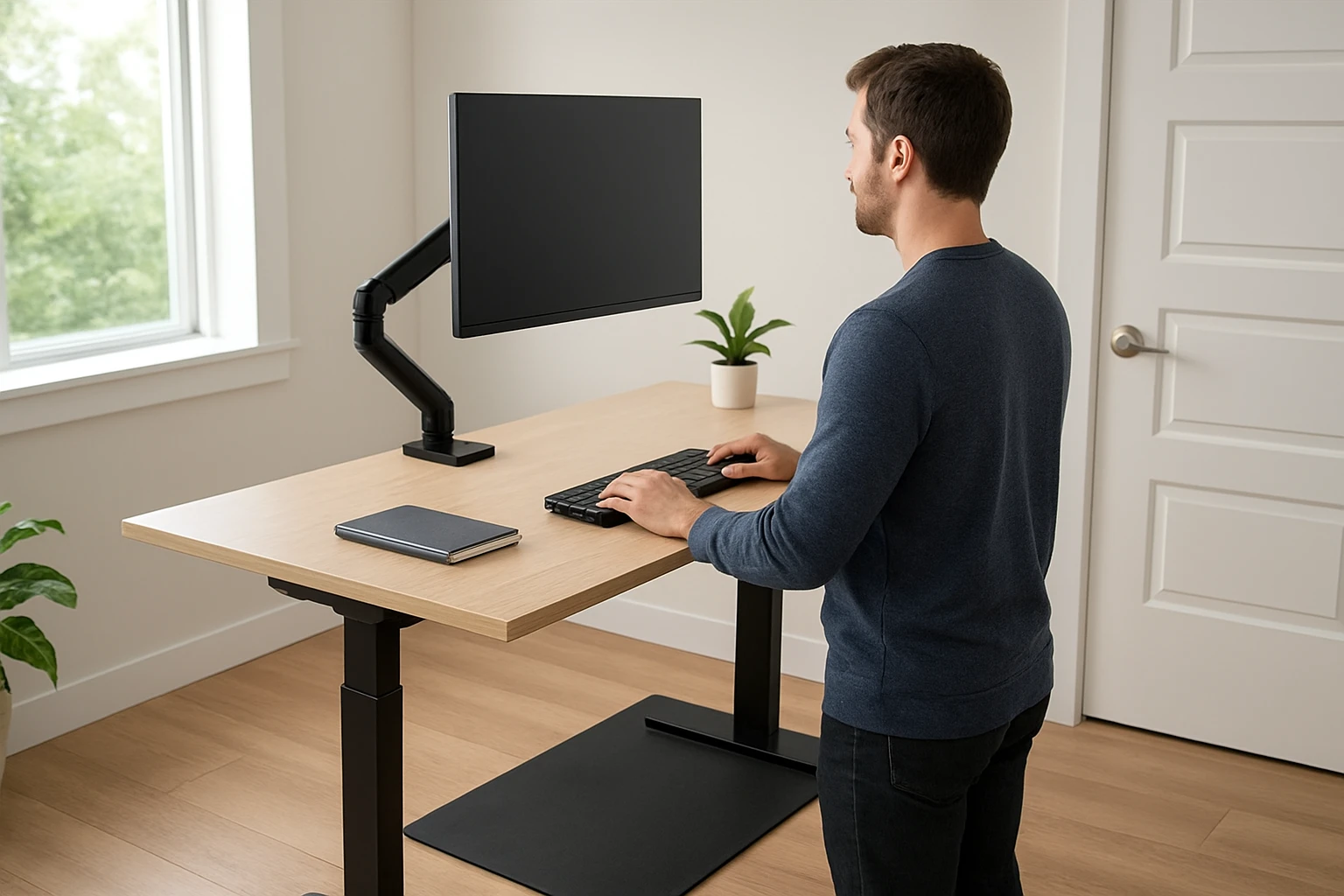
How to Reduce Standing Desk Vibration So It Doesn't Disturb Upstairs Neighbors
Introduction
One of the most common complaints in multi‑level homes is the transmission of vibration from a standing desk to the floor below. Excessive vibration can create audible thuds, cause furniture to shift, and even lead to premature wear on the desk frame. This guide will teach the reader how to identify vibration sources, apply effective isolation techniques, and select appropriate products to achieve a quiet, stable workspace. By following the steps, one will protect neighbours, improve personal comfort, and extend the lifespan of the desk and its accessories.
The guide is written for an intermediate audience who already owns a standing desk but seeks a systematic approach to vibration control. It balances technical depth with practical advice, and each recommendation is supported by real‑world product data. The reader will finish with a fully dampened workstation that operates silently even when the desk is raised or lowered rapidly.
What You Will Need
- Four heavy‑duty anti‑vibration pads (e.g., Huivlei Anti Vibration Pads)
- Eight adhesive neoprene pads for fine‑tuning (e.g., Acuteye Neoprene Vibration Pads)
- A large non‑slip mat for the desk footprint (e.g., Cottage Mills Stay‑in‑Place Mat)
- Measuring tape, level, utility knife, and a soft cloth for cleaning
Step‑by‑Step Instructions
Step 1: Assess the Vibration Source
The first task is to determine whether the vibration originates from the desk motor, the user’s movement, or the floor structure. Place a handheld accelerometer or a smartphone vibration‑analysis app on the desk surface and record the amplitude while the desk is raised, lowered, and while the user stands. Note the frequency peaks; low‑frequency peaks often indicate structural resonance, while high‑frequency peaks suggest motor noise.
If the desk has a built‑in motor, verify that the motor housing is securely fastened to the frame. Loose bolts can amplify vibration and transmit it directly to the floor. Tightening the bolts with a torque wrench to the manufacturer’s specification reduces internal rattling before any external isolation is applied.
Once the internal sources are addressed, the next step is to isolate the desk from the floor.
Step 2: Install Heavy‑Duty Isolation Pads Under Each Leg
Heavy‑duty pads provide the primary barrier between the desk legs and the floor. The Huivlei Anti Vibration Pads are designed with a high‑strength rubber exterior and an EVA core that absorbs shock and dampens sound. Each pad measures 4" x 4" x 7/8" and supports up to 960 lb, making it suitable for most standing desks that weigh between 60 and 120 lb.
Features that make these pads ideal for this step include:
- Enhanced EVA sandwich design for superior vibration absorption
- Slip‑resistant ribbed surface that prevents leg movement during adjustments
- Oil‑ and weather‑resistant construction for long‑term indoor use
Price is PAB11.99 per set of four, and the product holds a rating of 4.1 out of 5 based on twelve reviews, indicating reliable performance. To install, remove each desk leg, clean the floor area with a soft cloth, place one pad directly under the leg, and re‑attach the leg. Use a level to ensure that the desk sits evenly; the pads are thin enough to maintain stability while providing cushioning.
Step 3: Add Adhesive Neoprene Pads for Fine‑Tuning
While the heavy‑duty pads address bulk vibration, small gaps and high‑frequency noise often persist at the leg‑to‑pad interface. The Acuteye Neoprene Vibration Pads feature a pressure‑sensitive adhesive backing that bonds directly to the rubber surface of the heavy‑duty pads.
Key advantages include:
- 1/8" thickness that adds a secondary damping layer without raising the desk height significantly
- Chloroprene rubber with 50 psi tensile strength, offering durability under repeated loading
- Waterproof and oil‑resistant adhesive that remains secure on most floor finishes
At $12.99 for eight pads and a rating of 4.3 out of 5 from 257 reviewers, this product provides excellent value. Cut each pad to fit the corners of the heavy‑duty pads using scissors, then press firmly to ensure full adhesion. The added layer reduces high‑frequency rattling that can travel through the floor joists to upstairs neighbours.
Step 4: Deploy a Large Non‑Slip Mat Under the Desk Footprint
Even with isolated legs, the desk frame can still transmit vibration through the floor surface. Placing a full‑size mat beneath the entire desk creates a continuous damping surface that distributes forces evenly. The Cottage Mills Stay‑in‑Place Mat is a 17" x 24" foam rubber mat that reduces noise, vibration, and movement for a variety of equipment.
Product attributes that support its use include:
- Thick foam layer that absorbs impact and prevents the desk from shifting during height changes
- Non‑slip backing that keeps the mat in place on hardwood, tile, or carpet
- Compact size that fits most standing‑desk footprints while leaving room for accessories
Priced at $29.99 with a 4.7 rating from 1,918 reviews, this mat offers both comfort and durability. Position the mat centered under the desk, ensuring that each leg sits on a heavy‑duty pad that rests on the mat. The combination creates a three‑layer isolation system: pad, adhesive pad, and mat.
Step 5: Verify Stability and Noise Reduction
After installation, perform a second vibration test using the same accelerometer or smartphone app. Compare the amplitude readings to the baseline taken in Step 1. A reduction of at least 50 % in peak vibration indicates successful isolation.
Additionally, conduct an audible test by standing on the desk and performing a full range of motion. Ask an upstairs neighbour to confirm that the thudding sound is no longer perceptible. If residual noise remains, consider adding additional adhesive neoprene pads to the edges of the heavy‑duty pads or increasing the mat size.
Finally, check that the desk remains level and that the pads have not shifted after several adjustment cycles. Re‑tighten any loose bolts and re‑apply adhesive pads if necessary.
Tips & Pro Tips
- Before installing pads, clean the floor surface with isopropyl alcohol to remove dust and ensure maximum adhesion.
- If the desk is used on carpet, place a thin plywood board under the heavy‑duty pads to provide a firm surface for the pads to compress against.
- For extreme vibration, stack two sets of Huivlei pads (one on top of the other) to increase thickness without sacrificing load capacity.
- Periodically inspect the adhesive side of the Acuteye pads; adhesive can lose tack over time, especially in humid environments.
- When cutting neoprene pads, use a straight edge to achieve clean edges that do not create new stress points.
Troubleshooting
Problem: Vibration persists after installing pads.
Solution: Verify that each leg is fully seated on the heavy‑duty pad. If the leg is uneven, adjust the pad position or add a thin shim beneath the pad. Check for loose bolts in the desk frame, as structural looseness can bypass the isolation system.
Problem: Pads shift during desk height adjustments.
Solution: Ensure the ribbed surface of the Huivlei pads is facing upward for maximum grip. Apply a thin line of non‑slip spray adhesive to the bottom of the pads before placement.
Problem: Adhesive on Acuteye pads fails to stick on polished floors.
Solution: Lightly sand the floor area with fine‑grain sandpaper to create a micro‑texture, then clean and re‑apply the adhesive pad.
Conclusion
By following the systematic approach outlined above, one can dramatically reduce standing‑desk vibration and prevent disturbance to upstairs neighbours. The combination of heavy‑duty isolation pads, adhesive neoprene layers, and a supportive non‑slip mat creates a robust three‑tier damping system that addresses both low‑frequency structural resonance and high‑frequency noise. Proper installation, periodic maintenance, and attentive troubleshooting ensure long‑term performance and a quieter home environment.
Products Mentioned in This Guide
Frequently Asked Questions
What causes a standing desk to vibrate and disturb upstairs neighbors?
Vibrations stem from the motor, weight shifts, and hard floor contact, which transmit energy through the building structure.
How do anti‑vibration pads reduce desk vibration?
They absorb and disperse kinetic energy, isolating the desk from the floor and preventing thuds from reaching the ceiling below.
What type of anti‑vibration pad is best for heavy‑duty standing desks?
Dense rubber or high‑density foam pads with a load‑bearing rating of at least 150 lb each work best for most standing desks.
Can I improve vibration isolation without buying new pads?
Yes, adding a layer of cork under the pads, tightening all bolts, and ensuring the desk is level can further dampen movement.
Will using a standing desk with reduced vibration extend its lifespan?
Minimizing vibration lessens wear on motor gears and frame joints, helping the desk last longer.