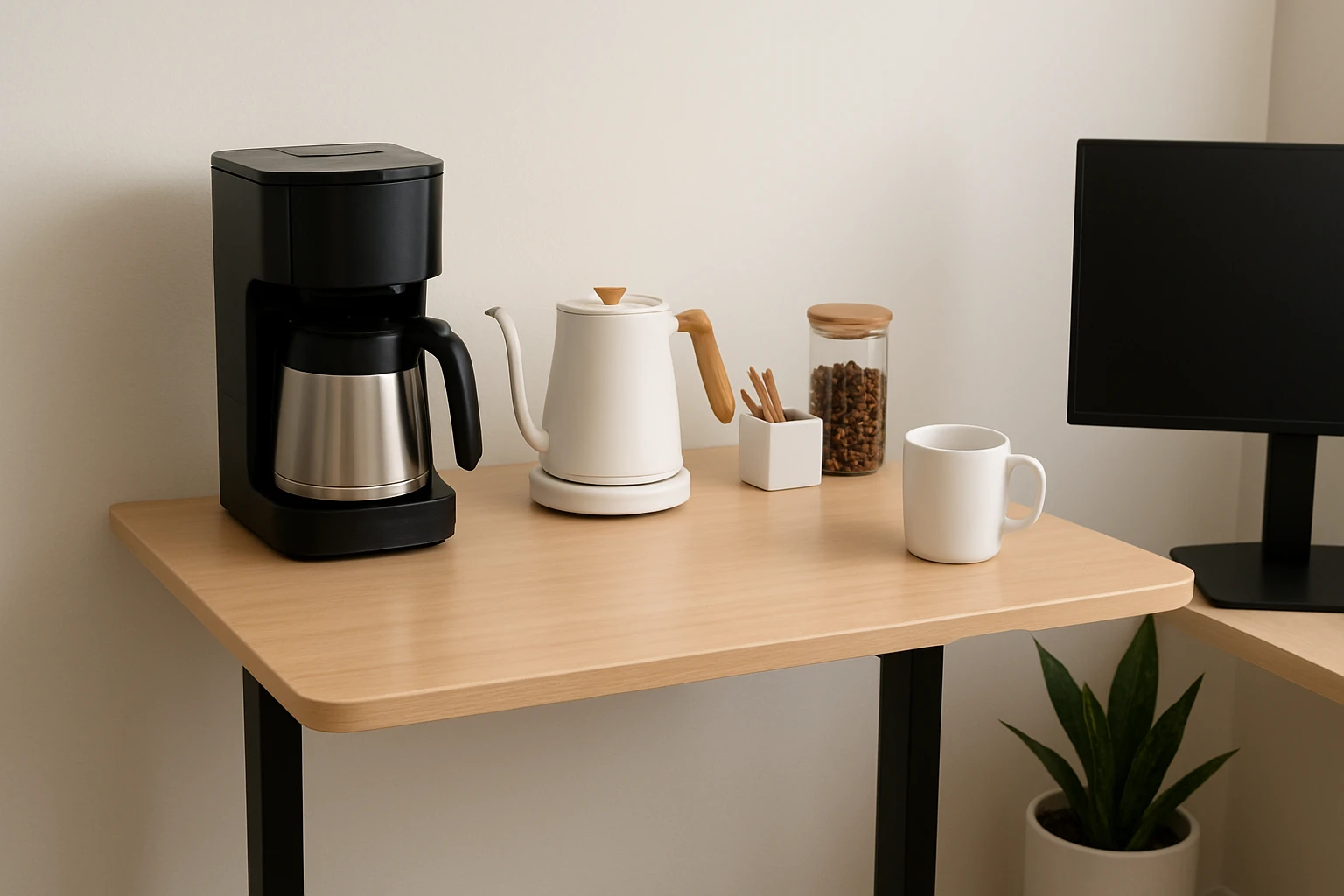

How to Set Up a Standing Desk Coffee Station in a Small Space: A Compact, Clutter‑Free Guide
Introduction
Creating a functional coffee station on a standing desk can increase productivity while preserving valuable floor space. One will learn how to select appropriate equipment, arrange accessories, and maintain a tidy workspace that supports both work and refreshment. This guide emphasizes solutions that fit within limited square footage without sacrificing brewing quality. By the end of the article, the reader will possess a clear plan for a sleek, efficient coffee corner that enhances daily routines.
What You’ll Need
- A compact single‑serve coffee maker or a small drip machine
- Reusable coffee filters (if using ground coffee)
- A small water reservoir or pitcher
- Cable management clips
- Non‑slip mat or silicone pad
- Cleaning supplies (microfiber cloth, descaling solution)
All of the above items can be sourced from local retailers, but the two coffee makers highlighted below provide the best balance of size, price, and performance for a standing‑desk environment.
Step 1: Assess Desk Layout and Power Availability
Measure the surface area of the standing desk to determine the maximum footprint for the coffee station. Ensure that a power outlet is within reach of the chosen coffee maker; most compact units require a standard 120 V socket and consume between 800 and 1000 W. If the desk lacks an outlet, consider a short, surge‑protected power strip that can be tucked under the desk surface. Proper placement at the edge of the desk prevents accidental spills from reaching keyboard or monitor areas.
Step 2: Choose the Appropriate Coffee Maker
For a workspace where space is at a premium, the Mixpresso Red Single Serve Coffee Maker offers a footprint of less than 10 inches wide while delivering a full‑flavor cup in approximately two minutes. Its 12 oz visible water tank allows precise control of brew strength, and the automatic shut‑off feature enhances safety on a desk that may be left unattended. The unit supports both K‑Cup pods and up to 20 g of ground coffee, providing flexibility for users who prefer reusable solutions. Priced at $29.99 with a rating of 4 out of 5 stars from 12,360 reviews, it represents a cost‑effective option for a personal brewing station.
If the user prefers brewing multiple cups at once or enjoys a classic drip experience, the Holstein Teal 5 Cup Drip Coffee Maker fits comfortably on most standing desks while offering a glass carafe with measurement marks. Its auto‑pause and serve function allows the user to pour a cup before the full brew cycle completes, reducing wait time during busy work periods. The reusable cone filter eliminates the need for disposable paper filters, aligning with sustainable practices. With a rating of 4.2 out of 5 stars from 13,237 reviews, it provides reliable performance at a modest price point.
Step 3: Position the Coffee Maker for Optimal Flow
Place the selected coffee maker toward the rear corner of the desk, leaving at least two inches of clearance on the sides for cable management. Use silicone pads beneath the base to prevent movement when the desk height is adjusted. Align the water reservoir so that the fill line is easily visible; this reduces the likelihood of over‑filling, which can cause drips onto the desk surface. For the Mixpresso model, the 12 oz tank is transparent, making level checks straightforward.
Step 4: Organize Accessories with Cable Management
Attach cable clips to the underside of the desk to route the power cord neatly along the frame. This prevents the cord from dangling into the work area, reducing tripping hazards and visual clutter. If the chosen machine includes a removable drip tray, position a small tray or silicone mat beneath it to catch excess water. The mat also protects the desk finish from heat and moisture.
Step 5: Stock Consumables and Prepare for Use
Arrange a small container of ground coffee or a selection of K‑Cup pods within arm’s reach of the machine. For the Mixpresso, a reusable filter (not included) can be purchased separately if the user wishes to avoid single‑use pods. Keep a spare mug or travel cup on the desk; the Mixpresso accommodates cups up to four inches in height, ensuring compatibility with most standard tumblers. Place a microfiber cloth nearby for quick cleanup of spills.
Step 6: Test the Brewing Process and Adjust Settings
Run an initial brewing cycle with clean water to rinse the internal components, as recommended in the product’s user guide. Observe the brew time; the Mixpresso typically completes a cup in two minutes, while the Holstein model may take three to four minutes for a full five‑cup batch. Adjust the water level to achieve the desired coffee strength; a higher water level produces a milder cup, whereas a lower level yields a stronger brew. Record the preferred settings for future reference.
Step 7: Implement Maintenance Routine
Schedule a weekly descaling session using a mild vinegar solution or a commercial descaling product. For the Mixpresso, ensure that the capsule holder and ground filter are empty before initiating the descaling cycle. Wipe the exterior of the machine with a damp cloth after each use to prevent coffee residue buildup. The Holstein’s glass carafe should be rinsed after each brew to avoid staining.
Tips & Pro Tips
- Use a reusable K‑Cup compatible filter to reduce waste and lower long‑term costs.
- Place a small decorative plant or a stack of notebooks beside the coffee maker to create a balanced visual composition.
- When working in a shared office, label the coffee station with a polite sign indicating usage guidelines.
- Consider a portable USB‑powered mug warmer for keeping brewed coffee at an optimal temperature without occupying additional outlet space.
Troubleshooting
Problem: Coffee drips after the brew cycle finishes.
Solution: Place a cloth or silicone mat under the lid as suggested in the Mixpresso tip, and allow the drip tray to settle before removing the cup.
Problem: Weak coffee strength.
Solution: Reduce the water level in the reservoir or increase the amount of ground coffee; ensure that the grind size is appropriate for the brewing method.
Problem: Machine does not power on.
Solution: Verify that the power cord is securely connected to a functioning outlet; test the outlet with another device to rule out electrical issues.
Conclusion
By following the steps outlined above, one can establish a compact, clutter‑free coffee station on a standing desk that supports both productivity and personal well‑being. Selecting a space‑saving coffee maker such as the Mixpresso Red Single Serve Coffee Maker or the Holstein Teal 5 Cup Drip Coffee Maker ensures reliable performance without encroaching on valuable workspace. Regular maintenance and thoughtful organization prolong the life of the equipment and keep the desk environment professional. Implement these practices to enjoy fresh coffee at arm’s length while maintaining an ergonomic, organized workstation.
Products Mentioned in This Guide
Frequently Asked Questions
What size coffee maker is best for a standing desk?
Choose a compact single‑serve or small drip machine that fits on the desk surface without blocking workspace.
How can I manage cords on a small standing‑desk coffee station?
Use cable management clips or a short power strip to keep cords organized and out of the way.
Do I need a non‑slip mat for my coffee setup?
Yes, a silicone pad or non‑slip mat prevents the coffee maker from sliding while you work.
What accessories help keep the coffee station clutter‑free?
Reusable filters, a small water pitcher, and microfiber cleaning cloths minimize clutter and waste.
How often should I descale my standing‑desk coffee maker?
Descale every 1–2 months, or according to the manufacturer’s guidelines, to maintain brew quality and longevity.
