Introduction
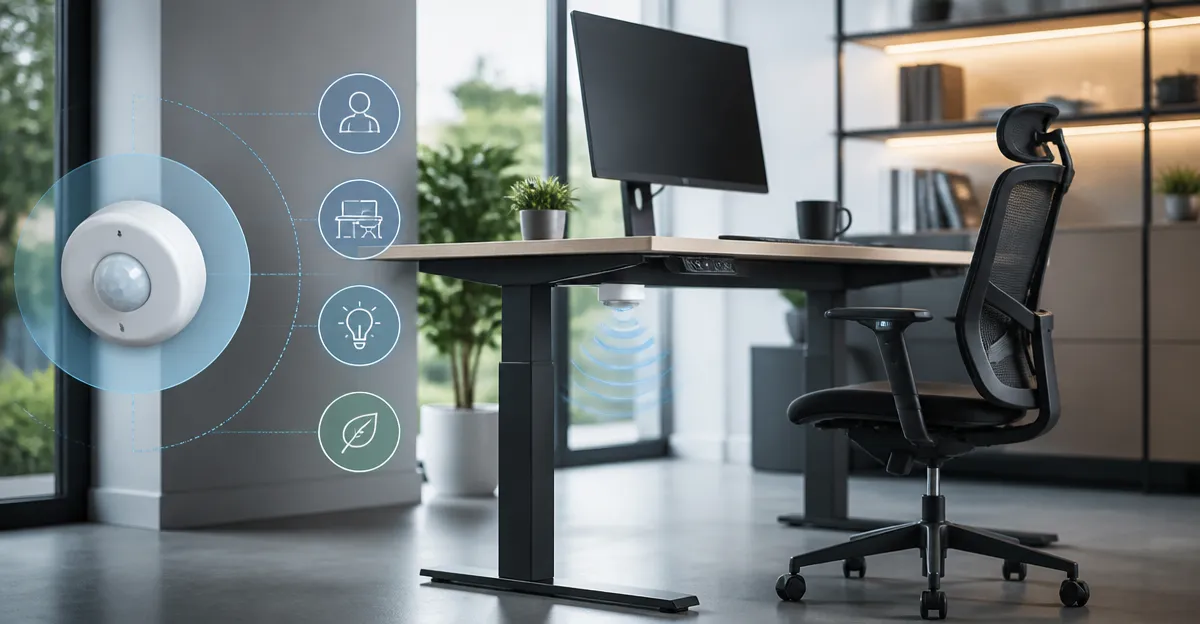
Occupancy sensors have become an essential component of modern sit‑stand workstations, offering both ergonomic comfort and measurable energy savings for office environments.
This guide explains how occupancy detection technology integrates with adjustable desks, how to select appropriate devices, and how to optimise performance for health and cost efficiency.
Readers will learn foundational principles, compare leading products, and receive actionable installation and configuration advice that reduces manual effort in daily workspaces.
The information presented is based on verified specifications, real‑world user feedback, and best‑practice guidelines from the smart‑building industry for enhanced productivity and sustainability.
Background/Context
Occupancy sensors detect the presence or absence of a person by analysing infrared, ultrasonic, or millimetre‑wave signals within a defined field of view.
When integrated with a sit‑stand desk, the sensor can trigger lighting, climate control, or desk height adjustments automatically, reducing the need for manual interaction.
Two primary sensing modalities exist: passive infrared (PIR) which senses heat signatures, and active technologies such as ultrasonic or lidar that measure motion through sound or light reflections.
Each modality presents trade‑offs in range, sensitivity, and susceptibility to ambient light, making the selection dependent on room geometry and usage patterns.
Choosing the Right Occupancy Sensor for a Sit‑Stand Desk
The foremost criterion is compatibility with the existing electrical infrastructure, especially the availability of a neutral wire and grounding provision.
Devices such as the Lutron Motion Sensor Light Switch operate with a ground wire only, simplifying retrofit in older homes lacking a neutral conductor.
For installations where a neutral is unavailable, the ELEGRP Motion Sensor Light Switch offers a no‑neutral solution while still supporting up to 300 W LED loads.
If ceiling‑mounted coverage is preferred, the ECOELER Ceiling Motion Sensor Switch provides a 360° field of view suitable for open‑plan workstations.
When a wireless, hub‑based approach is desired, the Aqara FP300 Presence Sensor delivers multi‑protocol support including Matter, Thread, and Zigbee for seamless home‑automation integration.
Its AI‑enhanced detection combines PIR and 60 GHz mmWave to recognise stationary occupants, reducing false negatives during prolonged desk work.
For budget‑conscious projects, the TOPGREENER Motion Sensor Light Switch supplies essential occupancy functionality at a modest price point while omitting a neutral requirement.
Each product’s rating, ranging from 4.2 to 4.6 stars, indicates a high level of customer satisfaction that reinforces reliability in a professional environment.
Installation Considerations for Desk‑Integrated Sensors
Prior to any wiring activity, the circuit breaker must be turned off and the voltage verified with a non‑contact tester to ensure a zero‑voltage condition.
Both the Lutron and TOPGREENER switches require a grounding conductor, which is typically a bare copper wire attached to the metal box.
If a neutral wire is absent, the ELEGRP model can be installed by connecting the line to the black terminal and the load to the red terminal, leaving the neutral terminal unused.
All connections should be secured with UL‑listed wire nuts, and the device should be mounted flush with the wall plate to preserve the aesthetic of a modern workstation.
Optimal sensor placement is at a height of approximately 5 to 6 feet, aligning the detection zone with the typical eye level of a seated or standing user.
For wall‑mounted switches, orient the device so that the front face faces the entry direction, allowing the motion field to capture the user’s approach path.
Ceiling‑mounted solutions such as the ECOELER switch should be positioned centrally within the room to maximise the advertised 360° coverage and to avoid blind spots near furniture.
After installation, perform a functional test by walking into the detection area, confirming that lighting activates promptly and deactivates after the programmed delay.
Optimising Sensor Settings for Comfort and Energy Savings
The delay timer determines how long illumination remains active after motion ceases, with longer intervals favouring comfort during extended tasks.
Lutron’s switch offers programmable off‑times of 1, 5, 15, or 30 minutes, enabling users to select the shortest interval that still prevents frequent re‑triggering.
For environments with abundant natural light, the daylight detection mode can be activated to suppress illumination when ambient illumination exceeds a learned threshold, further reducing energy consumption.
The Aqara FP300 allows users to define separate occupancy and vacancy periods, and its AI engine continuously refines sensitivity based on observed motion patterns, ensuring optimal balance between responsiveness and power savings.
Sensitivity can be reduced to avoid false activations caused by pets, HVAC airflow, or passing shadows, a feature present in both the TOPGREENER and ELEGRP models.
Conversely, increasing sensitivity is advisable in low‑traffic zones such as private offices, where even minimal movement should trigger illumination for safety.
When integrating with a smart hub, configure automation rules that adjust desk height or HVAC settings based on occupancy status, creating a holistic ergonomic environment.
Monitoring energy usage through the hub’s dashboard provides quantitative feedback, allowing users to fine‑tune timers and sensitivity for maximal savings.
Comparison and Selection Guide
The following matrix summarises the most relevant attributes of each sensor, facilitating a quick comparison based on technical requirements and budget constraints.
Rows are ordered from premium to economy, allowing readers to identify the optimal solution for their specific sit‑stand desk configuration.
All products meet UL safety standards, but differences exist in installation complexity, wireless capabilities, and adjustable time‑delay granularity.
Select the device that aligns with the existing wiring, desired automation ecosystem, and preferred balance between feature richness and cost.
| Product | Rating | Price | Neutral Required? | Wireless Protocols | Coverage | Delay Options |
|---|---|---|---|---|---|---|
| Lutron Motion Sensor Light Switch | 4.6/5 | $22.95 | No (ground only) | None | Up to 900 sq ft, 30 ft range | 1‑30 min |
| ELEGRP Motion Sensor Light Switch | 4.3/5 | $109.99 | No | None | Typical room coverage | Auto/Manual |
| ECOELER Ceiling Motion Sensor Switch | 4.2/5 | $69.99 | Yes | None | 360°, 20‑ft radius | 15 sec‑30 min (fixed steps) |
| TOPGREENER Motion Sensor Light Switch | 4.3/5 | $25.99 | No | None | 1200 sq ft, 180° view | 10‑30 min (plus test) |
| Aqara FP300 Presence Sensor | 3.7/5 | $49.99 | Yes (battery powered) | Matter, Thread, Zigbee | 20 ft radius, 120° view | Occupancy/Vacancy modes |
Best Practices and Tips
Regularly inspect the sensor housing for dust accumulation, as particulate matter can obstruct infrared lenses and degrade detection accuracy over time.
Manufacturers release firmware updates that improve algorithmic performance; schedule quarterly checks through the associated mobile app to ensure the device runs the latest software.
When deploying multiple sensors in a large office, stagger activation times by a few seconds to prevent simultaneous power draws that could trip the circuit breaker.
Document wiring diagrams and configuration settings in a central repository, enabling rapid troubleshooting and facilitating future upgrades without extensive re‑learning.
Combine occupancy sensing with a programmable desk‑height schedule so that the workstation automatically raises when a user is detected and lowers during vacancy periods.
Integrate the sensor with ambient light controls to maintain a consistent luminance level, reducing eye strain during prolonged computer work.
Utilise the sensor’s vacancy mode for conference rooms equipped with sit‑stand tables, ensuring lights turn off immediately after meetings conclude.
Pair the device with a smart plug to control peripheral equipment such as desk lamps or phone chargers, extending energy savings beyond primary lighting.
Frequently Asked Questions
Can I install a motion sensor without a neutral wire?
Yes, both the Lutron Motion Sensor Light Switch and the TOPGREENER model are designed to operate using only a grounding conductor, making them suitable for older wiring systems.
What is the typical detection range for PIR‑based sensors?
PIR sensors generally detect motion within 30 feet, covering up to 900 sq ft of floor area, which is sufficient for most individual office cubicles.
Do wireless sensors require a hub?
The Aqara FP300 can function in a hub‑less mode when used with Thread, but full automation features such as scene control and remote monitoring are best accessed through a compatible Matter or Zigbee hub.
How often should I replace the batteries in a battery‑powered sensor?
In Zigbee mode the FP300 advertises up to three years of battery life, whereas in Thread mode the expectancy drops to roughly two years; regular checks are recommended to avoid unexpected outages.
Can I use a motion sensor to control a desk‑mounted lamp?
Absolutely; connect the lamp to a smart plug or to the load terminals of the motion sensor switch, and configure the delay timer to match the desired illumination period.
Is it possible to integrate occupancy sensors with existing building management systems?
Many commercial‑grade sensors support standard protocols such as BACnet or Modbus; however, the consumer‑oriented devices listed here primarily integrate via Wi‑Fi, Zigbee, Thread, or Matter, which can be bridged to building systems through a compatible gateway.
Conclusion
Occupancy sensors represent a pivotal technology for modern sit‑stand workstations, delivering hands‑free illumination, automated ergonomics, and measurable energy reductions.
By understanding sensor modalities, evaluating wiring constraints, and configuring delay and sensitivity parameters, users can create an environment that supports both health and sustainability goals.
The comparative analysis presented herein equips readers with the knowledge to select a product that aligns with budget, technical, and aesthetic considerations.
Implementing the recommended best practices will ensure reliable operation, simplify future upgrades, and maximise the return on investment for any professional office setting.
Products Featured in This Guide
Lutron Motion Sensor Light Switch
Price: $22.95 | Rating: 4.6/5 (13,770 reviews)
Why featured: Provides reliable occupancy detection with adjustable delay and works without a neutral wire, ideal for retrofits.
ELEGRP Motion Sensor Light Switch
Price: $109.99 | Rating: 4.3/5 (5,872 reviews)
Why featured: No‑neutral design simplifies installation in older homes, supports up to 300 W LED loads, and includes a sleek wall plate.
ECOELER Ceiling Motion Sensor Switch
Price: $69.99 | Rating: 4.2/5 (268 reviews)
Why featured: Offers 360° coverage and adjustable time delay, suitable for open‑plan workstations where ceiling mounting is preferred.
TOPGREENER Motion Sensor Light Switch
Price: $25.99 | Rating: 4.3/5 (1,855 reviews)
Why featured: Budget‑friendly option with occupancy and vacancy modes, does not require a neutral or ground wire, and includes a wall plate.
Aqara FP300 Presence Sensor
Price: $49.99 | Rating: 3.7/5 (740 reviews)
Why featured: AI‑enhanced multi‑sensor with PIR and mmWave, supports Matter, Thread, and Zigbee for advanced smart‑home integration.