
Shared Household Adjustable Desks for Multiple Users: The Ultimate Guide
Introduction
Shared workspaces are becoming increasingly common in modern homes. Families with multiple remote workers, students, and gamers often require a flexible solution that accommodates varying heights, tasks, and personal preferences. This guide explains the essential considerations for selecting an adjustable desk that serves several users, outlines ergonomic principles, and presents two highly rated products that exemplify the concepts discussed. Readers will learn how to evaluate desk dimensions, weight capacity, motor performance, and layout options before making an informed purchase.
By the end of this article, one will be able to match a desk to the specific needs of a household, understand the benefits of electric height adjustment, and implement best‑practice habits that promote health and productivity.
Background and Context
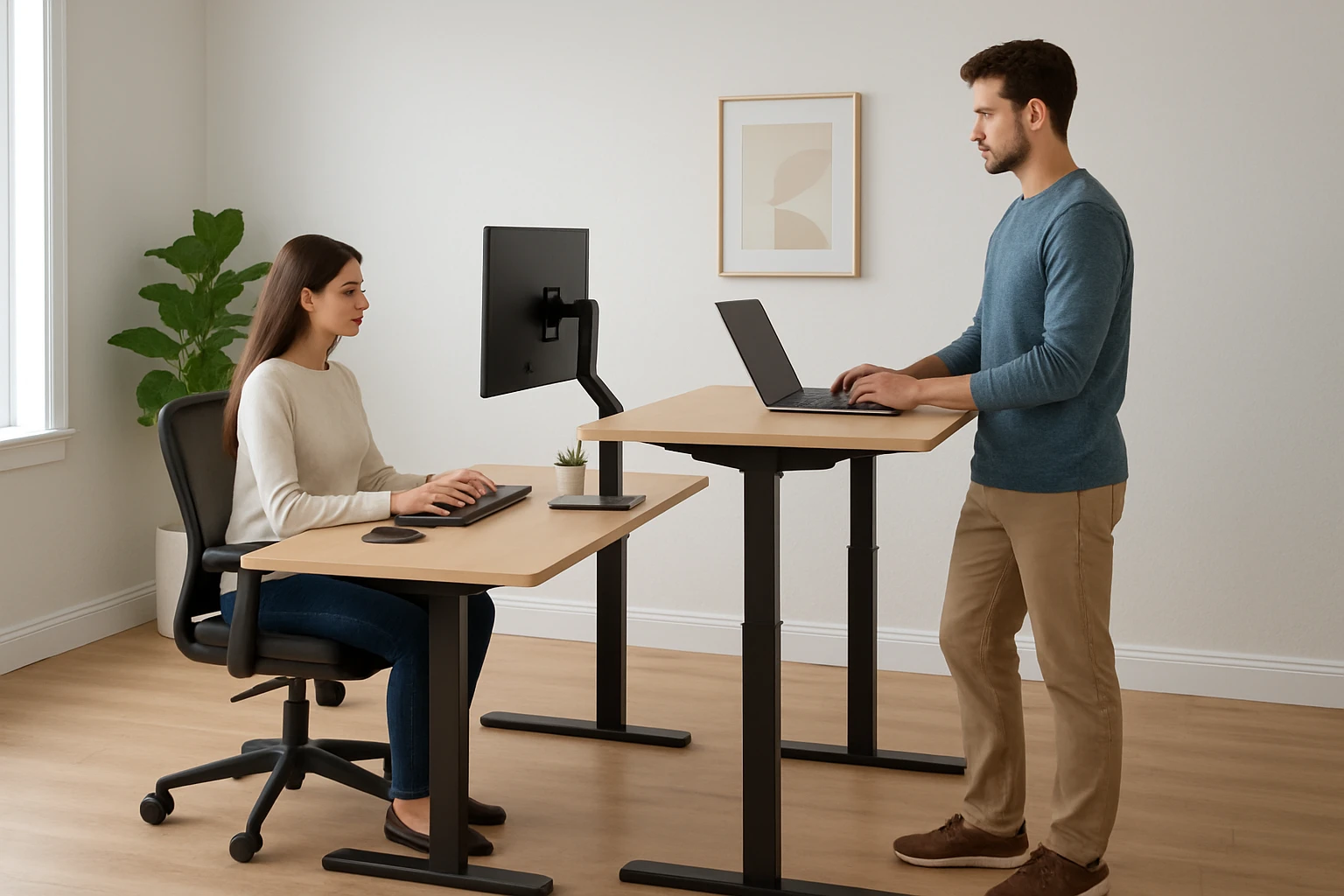
Adjustable desks, also known as sit‑stand desks, originated as ergonomic tools for office environments. They allow users to alternate between sitting and standing positions, reducing the health risks associated with prolonged sedentary behavior. In a shared household, the same principles apply, but additional factors such as space utilization, simultaneous usage, and aesthetic harmony become relevant.
Key terminology includes:
- Height range: The minimum and maximum vertical positions the desk can achieve, typically measured in inches.
- Load capacity: The maximum weight the frame can support without compromising stability.
- Memory presets: Buttons that store preferred height settings for quick recall.
- L‑shaped layout: A corner‑forming configuration that creates distinct work zones.
Understanding these concepts enables households to prioritize features that align with their daily routines.
Key Considerations for Multi‑User Desks
When evaluating desks for shared use, one should examine four primary categories: ergonomic adaptability, spatial configuration, structural stability, and user‑friendly technology.
- Ergonomic Adaptability: The desk must accommodate a range of body heights, typically from adolescent to adult. A motorized lift system with a broad height range (e.g., 28.4" to 47.2") ensures comfort for both children and adults.
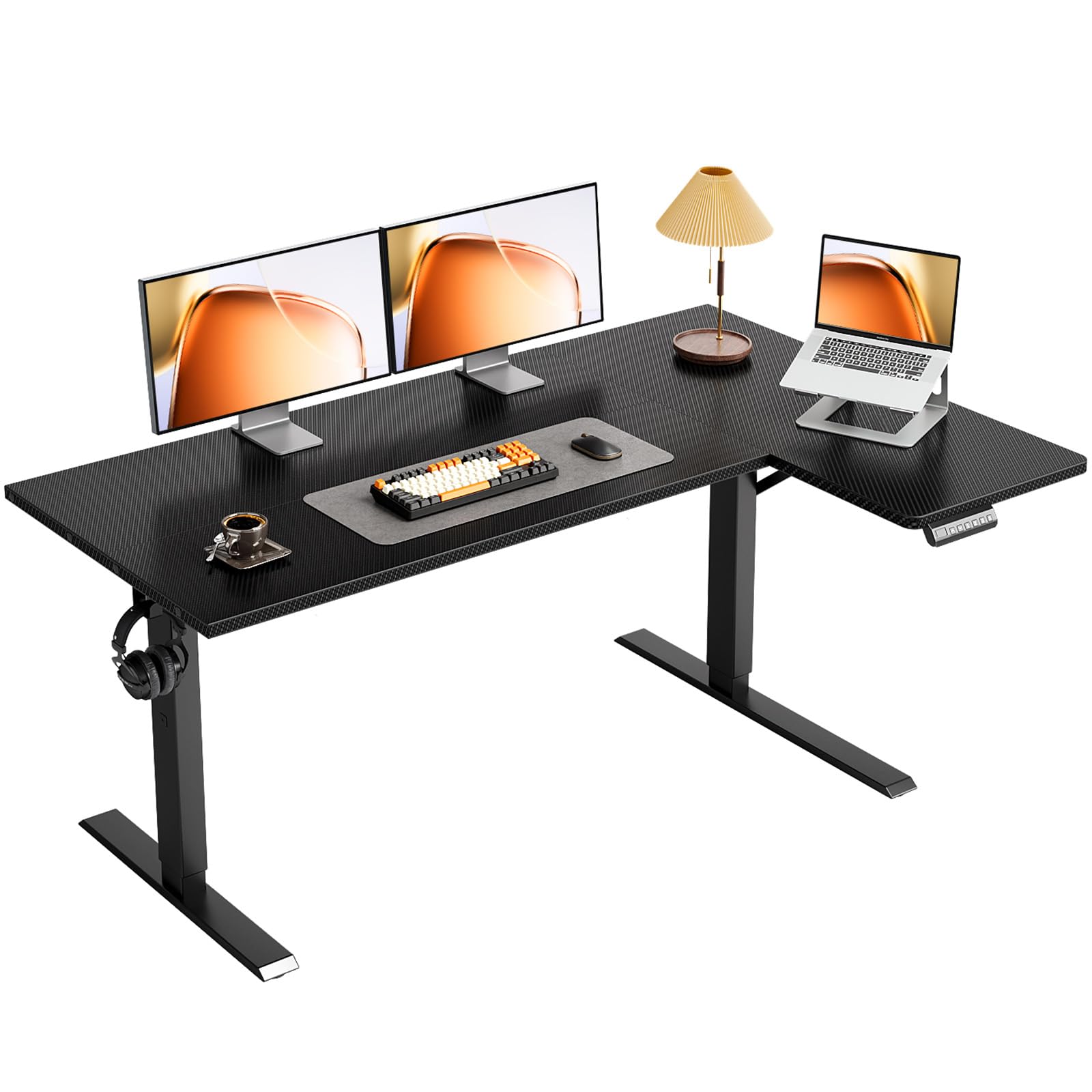
- Spatial Configuration: Corner‑style desks maximize floor space while providing separate zones for multiple monitors or devices. Reversible side panels allow flexible placement according to room layout.
- Structural Stability: A reinforced frame, crossbeams, and diagonal bracing reduce wobble, especially when the desk is raised to standing height.
- User‑Friendly Technology: Quiet motors, memory presets, and simple assembly reduce friction for all household members.
Products that excel in these areas are highlighted below.
Product Recommendations
1. OffiGo L‑Shaped Standing Desk
The OffiGo L‑Shaped Standing Desk offers a motorized height range of 28.4" to 47.2" and three memory preset buttons, allowing each family member to store a preferred height. Its L‑shaped desktop creates two distinct work zones, ideal for a parent and a child sharing the same corner. The reversible side panel can be positioned on either side, adapting to changing room layouts. A stable frame with fixed crossbeam and diagonal bracing supports up to 154 lb, sufficient for dual monitors, a laptop, and accessories. Quiet operation at approximately 50 dB ensures minimal disruption during study or video calls. The desk is priced at $129.97 and holds a 4.6‑star rating based on 86 reviews.
2. OSCHF Double Long Desk with Stand
The OSCHF Double Long Desk provides a single, uninterrupted tabletop measuring 160 cm (63") in length and 70 cm (27.5") in width. A built‑in monitor stand raises the screen by 5.1", promoting ergonomic viewing for multiple users. Constructed from 25 mm × 50 mm steel tubing, the desk supports a load capacity of at least 300 lb, making it suitable for heavy dual‑monitor setups. Its unibody design eliminates seams, resulting in a flat surface that resists wobble. Priced at $178.90 with a perfect 5‑star rating from four reviewers, this desk excels in durability and spaciousness, particularly for collaborative projects or family gaming sessions.
Comparison and Selection Guide
| Feature | OffiGo L‑Shaped Standing Desk | OSCHF Double Long Desk |
|---|---|---|
| Height Adjustment | Electric, 28.4"‑47.2" with memory presets | Fixed height, monitor stand raises screen 5.1" |
| Desktop Shape | L‑shaped, reversible side panel | Straight, double‑long surface |
| Load Capacity | 154 lb | 300 lb |
| Noise Level | ~50 dB (quiet) | Passive (no motor) |
| Price | $129.97 | $178.90 |
| Average Rating | 4.6/5 (86 reviews) | 5/5 (4 reviews) |
Households that prioritize individual height customization should favor the OffiGo model, while those requiring extensive surface area for simultaneous use may find the OSCHF desk more appropriate. Budget considerations also play a role; the OffiGo desk delivers motorized functionality at a lower price point.
Best Practices & Tips for Shared Desk Environments
- Establish a schedule for desk usage to prevent conflicts, especially during peak work hours.
- Assign personal accessories (mouse pads, keyboard trays) to each user to maintain organization.
- Utilize the memory preset buttons on motorized desks to switch quickly between users without manual measurement.
- Position monitors at eye level and maintain a 20‑inch viewing distance to reduce neck strain.
- Regularly check and tighten bolts on steel frames to preserve stability over time.
- Incorporate cable management solutions such as clips or trays to keep cords tidy and prevent tripping hazards.
Frequently Asked Questions
- Can a standing desk be used by children?
- Yes, provided the height range accommodates the child’s stature and the load capacity exceeds the combined weight of the equipment.
- How noisy are electric lift motors?
- High‑quality motors operate at approximately 50 dB, comparable to a quiet conversation, which is generally acceptable for home environments.
- Is it necessary to purchase a separate monitor stand?
- Not always; some desks, such as the OSCHF Double Long Desk, include a built‑in monitor riser that eliminates the need for an additional accessory.
- What is the recommended maximum weight for dual‑monitor setups?
- Both featured desks support well over the combined weight of two standard 27‑inch monitors, which typically total 30‑40 lb.
- How often should the desk be adjusted throughout the day?
- Ergonomic guidelines suggest alternating between sitting and standing every 30‑60 minutes to promote circulation and reduce fatigue.
- Can the L‑shaped desk be placed against a wall?
- Yes, the reversible side panel allows placement on either side, enabling the desk to fit comfortably against a wall or in a corner.
Conclusion
Choosing a shared adjustable desk requires balancing ergonomic flexibility, spatial efficiency, structural robustness, and budget constraints. The OffiGo L‑Shaped Standing Desk delivers motorized height control and corner‑space optimization, while the OSCHF Double Long Desk offers a generous surface for collaborative activities and a sturdy steel frame. By applying the best‑practice tips outlined above, families can create a harmonious workspace that supports health, productivity, and shared enjoyment.
Products Featured in This Guide

OffiGo L‑Shaped Standing Desk
Price: $129.97 | Rating: 4.6/5 (86 reviews)
Featured for its electric height adjustment, reversible L‑shaped layout, and quiet motor, making it ideal for households with multiple users who require personalized ergonomic settings.

OSCHF Double Long Desk
Price: $178.90 | Rating: 5/5 (4 reviews)
Featured for its expansive unibody tabletop, built‑in monitor stand, and high load capacity, providing ample space for collaborative work and family gaming sessions.