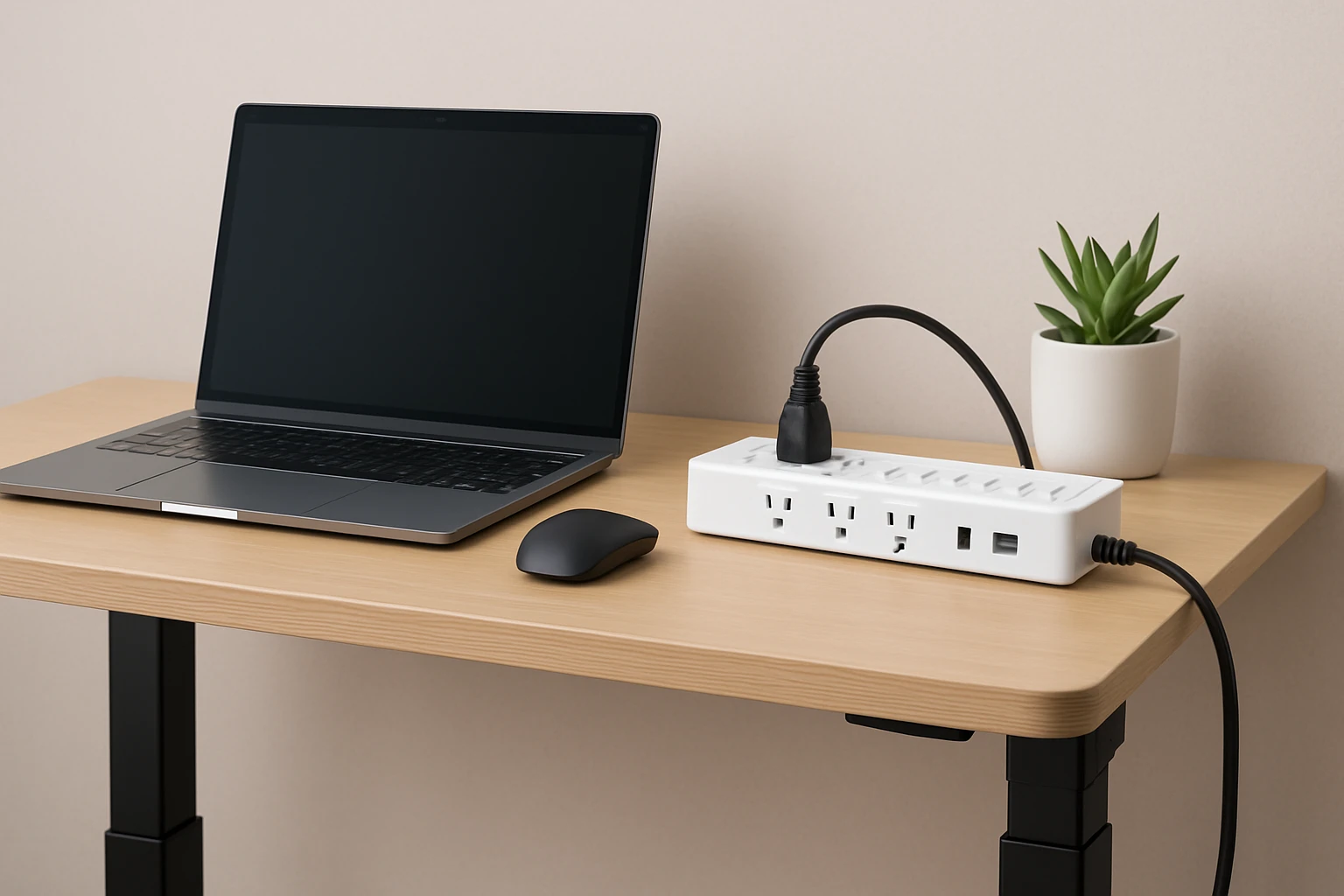
Surge Protectors for Compact Standing Desks: The Ultimate Guide to Choosing, Installing, and Protecting Your Devices
Introduction
In modern work environments, compact standing desks have become a staple for health‑focused professionals. A standing desk often contains a computer, monitor, phone charger, lamp, and occasional peripheral such as a printer or speaker. Each of these devices draws power from a single wall outlet, creating a need for a reliable surge protector that fits within limited space. This guide explains how to evaluate surge protection, presents recommended products, and offers best‑practice advice for safe installation.
Readers will learn the essential technical concepts, discover how to match product specifications to desk layouts, and receive actionable tips for long‑term device safety. The information is grounded in real‑world product data and does not require prior electrical expertise.
Background and Context
A surge protector is a device that limits voltage spikes by diverting excess energy to ground. The protective capacity is measured in joules; a higher joule rating indicates greater ability to absorb transient surges. In a typical office setting, surges may originate from lightning, utility switching, or large appliances cycling on and off.
Standing desks frequently incorporate cable management trays, making cord length and plug orientation critical. Flat‑plug designs allow the power strip to sit close to the wall, preserving valuable desk real‑estate. Additionally, many users appreciate integrated USB ports to eliminate separate chargers.
Regulatory certifications such as ETL or UL confirm that a product meets safety standards. Selecting a surge protector with an internal circuit breaker ensures that the strip will shut off power automatically if an overload occurs.
Key Concepts for Selecting a Surge Protector
Understanding the following concepts enables an informed purchase decision.
- Joule Rating: Choose a minimum of 800 joules for a standing‑desk workstation; higher ratings provide additional margin for future upgrades.
- Outlet Configuration: Six‑outlet strips are common, but eight‑outlet models accommodate larger setups. Wide spacing prevents bulky adapters from blocking adjacent sockets.
- Cord Length and Plug Shape: A 10‑foot cord offers flexibility for desks positioned away from the wall, while a flat plug reduces protrusion.
- USB Integration: USB‑A and USB‑C ports deliver 5 V charging without consuming AC outlets, preserving capacity for high‑draw devices.
- Safety Features: Twist‑to‑close covers, keyhole mounting slots, and indicator lights provide visual confirmation of protection status.
Product Recommendations
The following products have been selected because they align with the key concepts above and have earned high customer ratings.
1. GE 6‑Outlet Surge Protector
The GE 6‑Outlet Surge Protector offers 800 joules of protection, a 10 ft heavy‑duty cord, and a flat plug that sits flush against the wall. Its twist‑to‑close safety covers prevent foreign objects from entering unused outlets, and keyhole slots enable secure mounting on a desk or wall. The unit is ETL listed, carries a 4.8‑star rating from over 60,000 reviews, and is priced at $15.99.
- Six grounded three‑prong outlets
- 800 J joule rating
- 10 ft 14‑gauge SJT cord
- Integrated circuit breaker with automatic shutdown
- Flat plug and mounting keyholes
2. One Beat Rotating Plug Surge Protector
The One Beat Rotating Plug Surge Protector combines six AC outlets with 1800 joules of surge protection and four USB ports (including two USB‑C). Its 90‑degree rotating plug allows the strip to adapt to tight corners, a common challenge on compact desks. At $11.39 it provides excellent value, and a 4.7‑star rating from 17,758 reviewers confirms reliability.
- Six AC outlets with wide spacing
- 1800 J joule rating
- Four USB ports (2 USB‑C, 2 USB‑A)
- 180° rotating plug for flexible orientation
- ETL certification and fire‑resistant ABS housing
3. HANYCONY 8‑Outlet Surge Protector
The HANYCONY 8‑Outlet Surge Protector delivers eight widely spaced AC outlets and four USB ports (two USB‑C) on a 5 ft braided cord. Its 1080 joule rating exceeds the minimum recommendation, and the flat plug design ensures the strip does not protrude from the wall. Priced at $9.99 with a 4.8‑star rating from 56,053 reviews, it is an economical choice for users who require many connections.
- Eight AC outlets with 2.2‑inch spacing
- 1080 J joule rating
- Four USB ports (2 USB‑C, 2 USB‑A)
- 5 ft braided extension cord with flat plug
- ETL and RoHS certifications
4. KMC 6‑Outlet Surge Protector 2‑Pack
The KMC 6‑Outlet Surge Protector 2‑Pack provides two identical strips, each with a 4‑ft cord and 900 joules of protection. This option is ideal for users who need multiple protected locations, such as a standing desk and a nearby bookshelf. The pack is priced at $19.99 and carries a 4.8‑star rating from 26,478 reviewers.
- Six AC outlets per strip
- 900 J joule rating
- 4‑ft 14 AWG cord
- Lighted power switch with 15‑A circuit breaker
- ETL listed, 24‑month warranty
Comparison and Selection Guide
Choosing the right surge protector depends on three primary factors: protection level, outlet configuration, and desk geometry.
| Feature | GE 6‑Outlet | One Beat Rotating | HANYCONY 8‑Outlet | KMC 2‑Pack |
|---|---|---|---|---|
| Joule Rating | 800 J | 1800 J | 1080 J | 900 J |
| Number of AC Outlets | 6 | 6 | 8 | 6 (×2) |
| USB Ports | None | 4 (2 C, 2 A) | 4 (2 C, 2 A) | None |
| Cord Length | 10 ft | 5.7 in (compact) | 5 ft braided | 4 ft |
| Flat Plug | Yes | No (standard plug) | Yes | No |
| Mounting Options | Keyhole slots | None | Keyhole slots | None |
| Price | $15.99 | $11.39 | $9.99 | $19.99 (pack of 2) |
| Rating | 4.8/5 (60,471) | 4.7/5 (17,758) | 4.8/5 (56,053) | 4.8/5 (26,478) |
For a desk that requires USB charging and a high surge rating, the One Beat Rotating Plug model is the strongest candidate. If space is at a premium and a flat plug is essential, the GE or HANYCONY models excel. Users who need multiple protected locations should consider the KMC 2‑Pack.
Best Practices & Tips
- Place the surge protector on the underside of the desk or on a side rail to keep cords out of the work surface.
- Use the keyhole mounting slots on the GE or HANYCONY models to secure the strip to the desk frame, preventing accidental dislodgement.
- Do not exceed the total wattage rating of the strip; most models listed support up to 1875 W (15 A).
- Periodically test the indicator light that confirms surge protection is active; replace the strip if the light fails.
- When using a rotating plug, orient the strip so that the plug aligns with the nearest wall outlet, reducing strain on the cord.
- Combine AC outlets and USB ports wisely: reserve high‑draw devices such as monitors for AC outlets, and charge phones or tablets via USB.
- Consider a dedicated surge protector for critical devices like a router or NAS, as these benefit from continuous protection.
Frequently Asked Questions
What does a joule rating of 800 J actually protect?
A rating of 800 joules can absorb the energy from typical residential voltage spikes caused by lightning or utility switching. It is sufficient for most computer peripherals, monitors, and small appliances.
Can I daisy‑chain multiple surge protectors?
It is not recommended to connect a surge protector to another surge protector because the combined load may exceed the circuit breaker rating and reduce overall protection effectiveness.
Do flat‑plug designs affect grounding?
No. A flat plug only changes the physical profile of the male connector; grounding pins remain fully engaged when the plug is inserted.
How often should I replace a surge protector?
Surge protectors degrade after repeated surges. If the indicator light turns off, if the strip shows physical damage, or after five to seven years of use, replacement is advisable.
Are USB ports on surge protectors safe for fast charging?
Modern USB‑C ports with smart IC technology, such as those on the One Beat and HANYCONY models, negotiate optimal voltage and current, providing safe fast charging comparable to dedicated wall adapters.
Will a 10‑ft cord be too long for a compact desk?
A longer cord offers flexibility for placement but may create excess slack. Use cable ties or Velcro straps to manage excess length and maintain a tidy workspace.
Conclusion
Selecting a surge protector for a compact standing desk requires balancing protection level, outlet layout, cord length, and additional features such as USB charging. By understanding joule ratings, safety mechanisms, and ergonomic considerations, one can safeguard valuable electronics while preserving the clean aesthetic of a modern workstation. The products highlighted in this guide represent a range of solutions that address diverse needs, from high‑capacity protection to space‑saving flat‑plug designs.
Implementing the best‑practice tips will extend the life of both the surge protector and the connected devices, ensuring a reliable and productive work environment.
Products Featured in This Guide
GE 6‑Outlet Surge Protector
Price: $15.99 | Rating: 4.8/5 (60,471 reviews)
Featured for its 800 J protection, 10‑ft cord, flat plug, and keyhole mounting suitable for compact desk installations.
One Beat Rotating Plug Surge Protector
Price: $11.39 | Rating: 4.7/5 (17,758 reviews)
Featured for its 1800 J rating, 90° rotating plug, and four USB ports, providing flexibility in tight desk corners.
HANYCONY 8‑Outlet Surge Protector
Price: $9.99 | Rating: 4.8/5 (56,053 reviews)
Featured for its eight widely spaced outlets, 1080 J protection, and dual USB‑C ports on a compact 5‑ft braided cord.
KMC 6‑Outlet Surge Protector 2‑Pack
Price: $19.99 | Rating: 4.8/5 (26,478 reviews)
Featured for its value‑packed two‑unit set, 900 J rating, and 4‑ft cords, ideal for multiple protected locations around a standing desk.