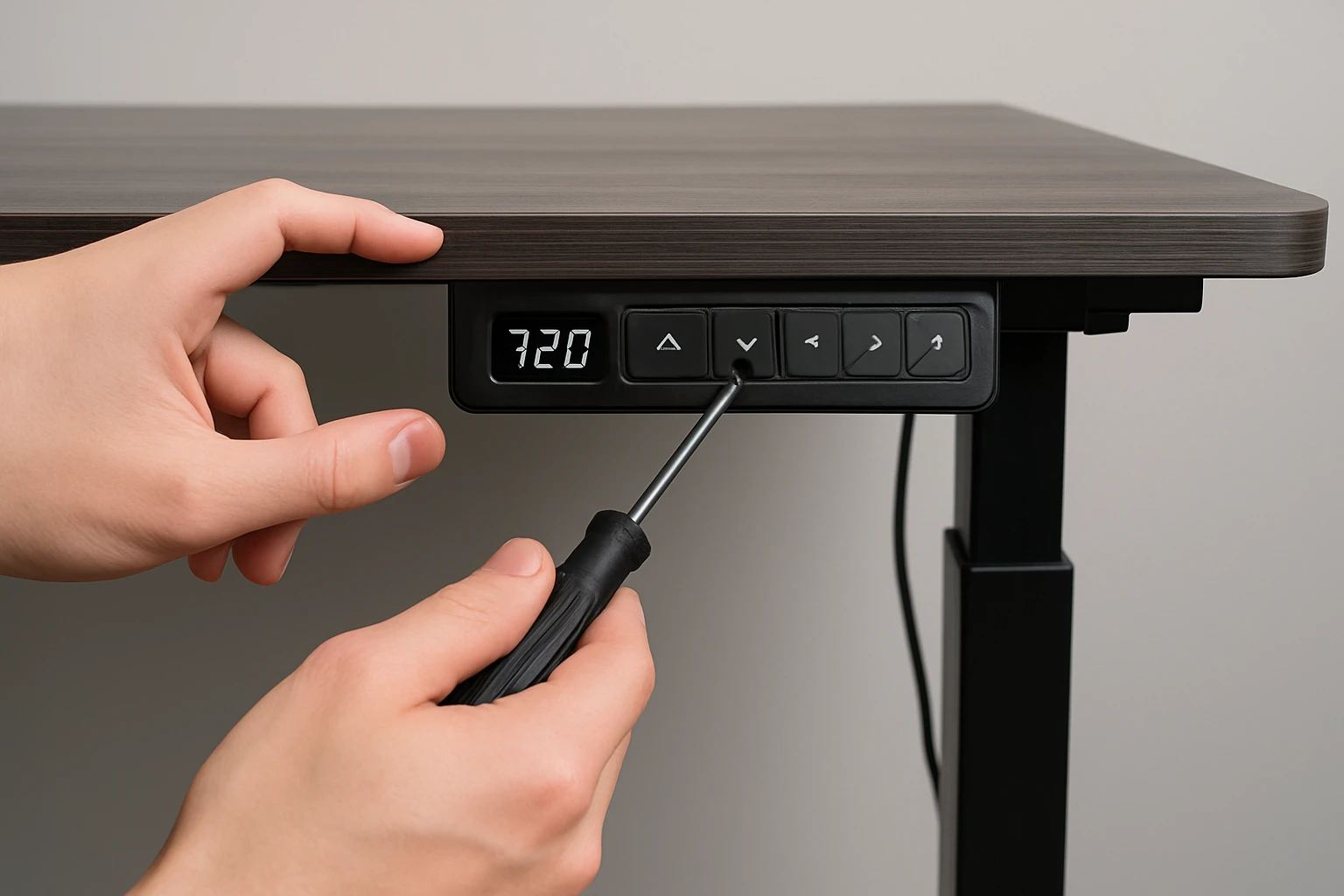

How to Calibrate a Dual‑Motor Standing Desk: Step‑by‑Step Guide to Sync, Reset & Fix Height Issues
Introduction
One will discover how to achieve precise height alignment on a dual‑motor standing desk, a task that often resolves wobble, uneven lift, and inaccurate positioning. The process enhances ergonomic comfort, extends the lifespan of the motor mechanisms, and prevents premature wear. By following the systematic approach outlined below, a user can confidently calibrate the desk without specialized tools. This guide is valuable for home office workers, remote professionals, and anyone seeking a reliable sit‑stand solution.
The instructions apply to most electric standing desks that employ two synchronized motors, but examples reference the OffiGo U‑Shaped Electric Standing Desk because it exemplifies common features such as preset height buttons, built‑in power outlets, and a sturdy steel frame. Understanding the underlying principles enables adaptation to other brands while still benefiting from the specific product details provided.
What You'll Need
- A flat, stable floor surface where the desk will operate.
- A Phillips‑head screwdriver (typically #2) for any minor adjustments.
- A soft cloth for cleaning dust from motor housings.
- Access to a power outlet; the desk’s integrated outlets can be used for convenience.
- The OffiGo U‑Shaped Electric Standing Desk if a new desk is being set up or if the existing unit requires replacement components.
Step 1: Prepare the Workspace and Verify Power Connections
Before any calibration, ensure the desk is positioned on a level surface free of debris, as uneven flooring can cause false height readings. Disconnect any peripheral devices from the desk’s built‑in USB ports and power outlets to avoid accidental short circuits during the reset sequence. Plug the desk into a reliable wall outlet; the integrated outlets on the OffiGo model provide convenient charging stations for laptops and monitors while the desk is being calibrated.
The OffiGo U‑Shaped Electric Standing Desk offers a dual‑corner design that maximizes workspace, allowing the user to keep tools such as the screwdriver and cleaning cloth within easy reach. Its 3‑outlet power strip and 2 USB ports reduce the need for external power strips, simplifying the calibration environment. Priced at $169.99 with a rating of 4.7/5 from 460 reviews, this desk combines affordability with robust construction, making it an ideal platform for the calibration process.
Step 2: Power Cycle the Desk to Reset Internal Controllers
Turn off the desk using the main power switch located on the underside of the frame, then wait for 30 seconds. This pause allows residual charge to dissipate from the motor controllers, ensuring a clean reset. After the wait, press the power button again to restart the system; the desk will emit a brief beep indicating that it has entered its default state.
Power cycling clears any stored error codes that may have accumulated from previous usage. It is a universal troubleshooting step that works across most dual‑motor desks, but the OffiGo model’s LED light strip provides visual feedback during the cycle, displaying a calming blue hue when the system is ready for calibration.
Step 3: Initiate the Factory Reset Procedure
Locate the three preset height buttons on the control panel; these are typically labeled 1, 2, and 3. Press and hold the “1” button for approximately 5 seconds until the LED indicator flashes rapidly, indicating that the desk has entered factory reset mode. Release the button, then repeat the hold sequence on the “2” and “3” buttons in the same order. This sequence forces both motors to return to their zero‑position reference points.
During this process the desk will move slowly to its lowest possible height, then pause before rising slightly to confirm the reset. The OffiGo desk’s heavy‑duty 154 lb capacity ensures that the motors can handle the full travel range without strain, and the sturdy steel frame prevents wobble while the reset is performed.
Step 4: Calibrate Height Limits and Synchronize Motors
With the desk now at its lowest position, press the “Calibrate” button if available; on the OffiGo model this function is accessed by holding the “3” button for 3 seconds. The desk will automatically record the current position as the new minimum height. Next, raise the desk to the desired maximum height using the up arrow or preset button, and repeat the hold sequence on the “3” button to set the upper limit.
Synchronizing the two motors is achieved by ensuring that both reach the set points simultaneously; any lag will be indicated by the LED strip turning amber. If the colors differ, manually adjust the motor brackets using the Phillips‑head screwdriver to tighten any loose screws, then repeat the calibration. The built‑in LED light strip, offering 10 colors and dynamic modes, serves as an intuitive visual cue for proper synchronization.
Step 5: Verify Consistency Across All Preset Positions
Test each preset height by pressing the corresponding button; the desk should stop precisely at the recorded positions without overshoot. Observe the LED strip; a steady green color confirms successful synchronization, while flashing red signals a mismatch that requires re‑calibration. For added confidence, place a measuring tape on the desktop and record the height at each preset to ensure repeatability.
If discrepancies are noted, repeat Step 4, focusing on tightening the motor mounts and confirming that the cable connections to the control box are secure. The OffiGo desk’s cable management hooks provide organized routing for power and data cables, reducing the chance of accidental disconnections during repeated adjustments.
Tips & Pro Tips
Regularly dust the motor housings with a soft cloth; accumulated debris can cause friction that interferes with smooth movement. Perform a quick calibration check every three months to maintain optimal performance, especially after relocating the desk or changing the load on the surface.
For users who frequently switch between sitting and standing, consider programming custom height presets that match the exact ergonomic measurements for their body dimensions. The LED light strip can be set to a calming color during work hours and switched to a brighter hue when the desk is being adjusted, providing a subtle visual reminder to change posture.
Troubleshooting
Issue: One motor stops before the other, causing the desk to tilt. Solution: Power off the desk, inspect the motor brackets for loose screws, and tighten them with a Phillips‑head screwdriver. Re‑run the calibration sequence to realign the travel limits.
Issue: Desk does not respond to preset buttons. Solution: Verify that the power cable is firmly connected to the wall outlet and that the internal power strip is not overloaded. Reset the desk by repeating the power‑cycle procedure in Step 2.
Conclusion
One has learned how to reset, calibrate, and synchronize a dual‑motor standing desk, ensuring reliable height adjustments and prolonged equipment life. By following the five detailed steps, using the OffiGo U‑Shaped Electric Standing Desk as a reference platform, and applying the provided tips, any user can maintain a stable and ergonomic workstation.
Consistent calibration not only improves comfort but also reduces wear on the motors, protecting the investment in a high‑quality sit‑stand solution. Readers are encouraged to schedule periodic checks and enjoy the flexibility that a well‑calibrated standing desk offers.
Products Mentioned in This Guide
Frequently Asked Questions
How do I reset a dual‑motor standing desk to its factory height settings?
Press and hold the preset height button (usually the lowest setting) for 5‑10 seconds until the desk beeps or moves to its default position.
What causes one side of a dual‑motor desk to lift higher than the other?
Uneven motor synchronization, a loose motor bracket, or an obstructed cable can create height disparity.
Do I need any special tools to calibrate my dual‑motor desk?
No; a flat floor, a Phillips‑head screwdriver, and the desk’s control panel are sufficient.
How often should I calibrate my standing desk to maintain accuracy?
Calibrate every 3‑6 months or after moving the desk to a new location.
Can I calibrate the desk if the motors are making unusual noises?
First inspect and tighten motor mounts and cables; if noises persist, run a calibration to reset motor sync before seeking service.