Introduction
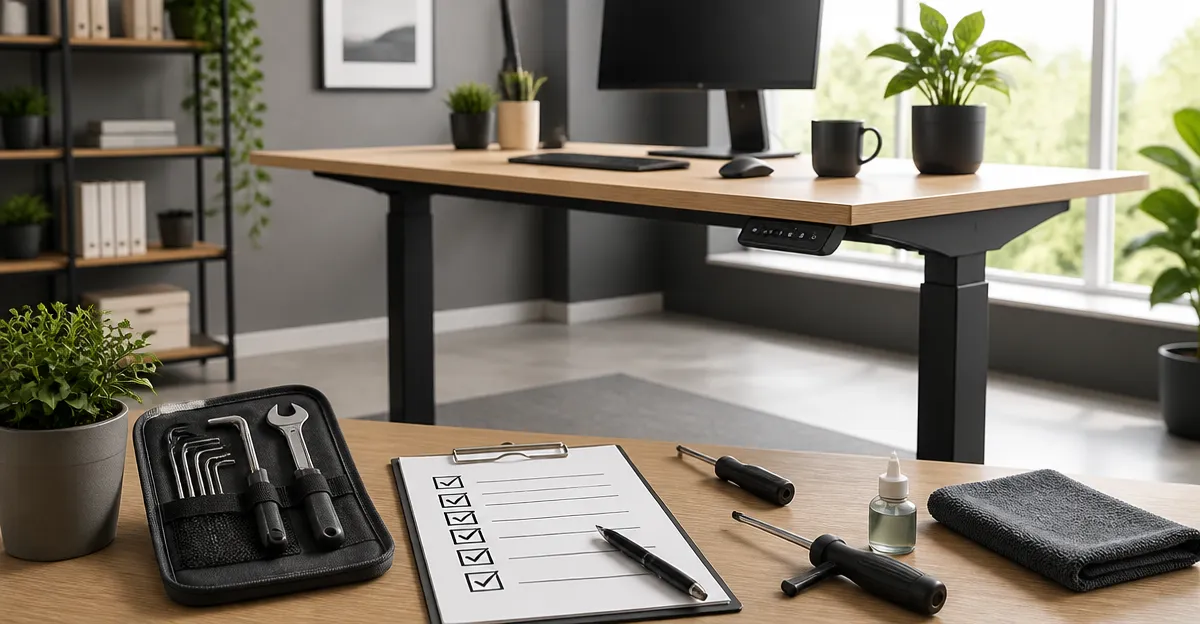
Maintaining a standing desk is essential for preserving its performance, safety, and aesthetic appeal. This guide explains the monthly tasks that keep a desk operating smoothly, reduces wear on mechanical components, and protects the surface from damage. Readers will learn how to clean, inspect, and adjust key parts, as well as which accessories can simplify the process. By following the checklist, users can avoid costly repairs, extend the lifespan of their investment, and enjoy a consistently ergonomic workspace.
Background/Context
Standing desks combine electrical, mechanical, and material technologies to provide height‑adjustable workstations. The motor and lifting columns endure repeated cycles, while the frame bears static loads and the desktop resists scratches and spills. Understanding how these elements interact helps users identify early signs of fatigue. For example, a noisy motor often indicates dust accumulation, whereas wobble at full height may signal loose fasteners. Recognizing these patterns empowers owners to intervene before a minor issue becomes a major failure.
Regular Cleaning and Dust Management
Dust and debris are the most common culprits behind motor noise and reduced lifting efficiency. Each month, power down the desk, unplug the controller, and use a soft brush or compressed air to remove particles from the lifting columns and motor housing. Wipe the desktop with a microfiber cloth dampened with a mild, low‑VOC cleaner to protect the finish. For desks with bamboo surfaces, such as the FlexiSpot E6 Max Bamboo Desk, avoid excessive moisture to prevent swelling.
Mechanical Checks and Motor Care
Inspect the motor and lifting columns for any signs of wear. Verify that the memory preset buttons on the ErGear Standing Desk respond promptly and that the display shows accurate height readings. Tighten any loose screws using the provided Allen wrench; many users report that the pre‑drilled alignment holes simplify this step. If the desk includes dual motors, such as the FlexiSpot E6 Max Bamboo Desk, listen for a balanced hum from both sides—uneven sounds may indicate a mis‑aligned motor that requires professional service.
Electrical System Inspection
Examine the power cord and controller cable for fraying or kinks. The FlexiSpot EN1 Standing Desk uses a single‑piece control panel that should sit securely on the desktop; ensure the mounting clips are intact. Test the emergency stop function (if available) by briefly disconnecting power; the desk should cease movement without delay. Replace any damaged cords promptly to avoid electrical hazards.
Surface and Finish Care
Different desktop materials require specific maintenance. The laminate top of the ErGear Standing Desk tolerates routine cleaning with a non‑abrasive solution, while the bamboo top of the FlexiSpot E6 Max Bamboo Desk benefits from occasional oiling with a natural wood conditioner to maintain its sheen. Use cable management clips to prevent cords from scratching the surface, especially on desks with rounded corners such as the HUANUO Small Standing Desk.
Comparison/Selection Guide
Choosing the right standing desk for maintenance ease depends on workspace size, load capacity, and feature set. Below is a quick comparison of the five featured models:
| Model | Desktop Size | Max Load | Motor Type | Memory Presets | Rating |
|---|---|---|---|---|---|
| ErGear Standing Desk | 48" x 24" | 176 lbs | Single electric | 4 | 4.5/5 (11,621 reviews) |
| HUANUO Small Standing Desk | 32" x 19" | 176 lbs | Single electric | 4 | 4.6/5 (2,274 reviews) |
| Claiks Standing Desk | 48" x 24" | 176 lbs | Single electric | 3 | 4.4/5 (5,327 reviews) |
| FlexiSpot EN1 Standing Desk | 48" x 24" | 176 lbs | Single electric | 4 | 4.5/5 (12,583 reviews) |
| FlexiSpot E6 Max Bamboo Desk | 60" x 30" | 330 lbs | Dual electric | 4 | 4.9/5 (35 reviews) |
For users prioritizing a compact footprint, the HUANUO Small Standing Desk offers excellent stability and a wheel‑ready design. Professionals who need a large, sturdy surface should consider the FlexiSpot E6 Max Bamboo Desk because of its 330 lb capacity and premium bamboo finish. Budget‑conscious shoppers may find the ErGear Standing Desk provides a solid steel frame and four memory presets at a competitive price.
Best Practices & Tips
- Schedule the checklist at the same time each month to develop a habit.
- Keep a maintenance log noting any adjustments, noises, or part replacements.
- Use a level to verify that the desk remains plumb after moving it; uneven floors may require adjustable feet.
- Apply a protective mat under heavy equipment such as monitors to reduce stress on the desktop.
- When adding accessories like cable trays, ensure they do not obstruct the motor’s ventilation.
FAQ
- How often should I lubricate the lifting columns? Most manufacturers coat the columns with a dry‑film lubricant; additional lubrication is rarely needed. If you hear grinding, apply a few drops of silicone‑based lubricant once per year.
- Can I use the desk on carpet? Yes, but place a firm board or a carpet‑compatible mat beneath the feet to prevent wobble, especially at full height.
- What is the typical warranty for these desks? Warranty periods range from 1‑year for controllers to up to 10‑years for frames and motors, as seen with the FlexiSpot E6 Max Bamboo Desk.
- Do memory presets wear out? The preset buttons are designed for thousands of cycles; however, occasional cleaning of the contacts with a dry cloth can extend their reliability.
- Is it safe to adjust the height while the desk is loaded? Yes, the motors are rated for the maximum load listed. Adjust slowly and avoid sudden jerks to reduce strain on the lifting mechanism.
Conclusion
Implementing a monthly standing desk maintenance checklist safeguards performance, prevents costly downtime, and preserves the visual quality of the workstation. By cleaning dust, inspecting mechanical and electrical components, caring for the desktop surface, and following best‑practice tips, users can enjoy a reliable ergonomic environment for years. The product recommendations included herein complement the checklist, offering tools and desks that simplify upkeep while delivering exceptional value.
Products Featured in This Guide
ErGear Standing Desk
Price: $94.98 | Rating: 4.5/5 (11,621 reviews)
Featured for its sturdy steel frame, four memory presets, and affordable price point, making it ideal for budget‑conscious users seeking reliable performance.
HUANUO Small Standing Desk
Price: $74.98 | Rating: 4.6/5 (2,274 reviews)
Featured for its compact 32" x 19" footprint, wheel‑ready feet, and solid 176 lb capacity, perfect for apartments and tight workspaces.
Claiks Standing Desk
Price: $99.99 | Rating: 4.4/5 (5,327 reviews)
Featured for its ergonomic dual‑panel desktop and robust steel frame, offering a spacious work area at a mid‑range price.
FlexiSpot EN1 Standing Desk
Price: $109.98 | Rating: 4.5/5 (12,583 reviews)
Featured for its one‑piece desktop design, zero‑wobble stability, and four memory presets, suitable for professional creators.
FlexiSpot E6 Max Bamboo Desk
Price: $484.49 | Rating: 4.9/5 (35 reviews)
Featured for its premium bamboo surface, dual‑motor system with 330 lb capacity, and ten‑year frame guarantee, ideal for heavy‑duty setups.
Frequently Asked Questions
How often should I clean my standing desk to prevent motor noise?
Clean the desk and motor housing monthly to remove dust that can cause whining or reduced performance.
What are the key parts to inspect during a monthly standing desk check?
Inspect the lifting columns, motor, frame bolts, and desktop surface for wear, looseness, or scratches.
Can loose fasteners cause wobble at full height?
Yes, loose bolts or screws often create instability when the desk is fully extended.
Which accessories help simplify standing desk maintenance?
Dust covers, anti‑scratch mats, and cable management trays reduce debris buildup and protect surfaces.
What are the signs that a standing desk motor needs lubrication?
A humming or grinding sound, slower lift speed, and increased resistance indicate the motor may need lubrication.