Standing Desk Delivery Checklist for Apartments: The Ultimate How‑To to Measure, Prepare & Install
In this guide one will learn how to evaluate an apartment space, ready the area for delivery, and install a standing desk safely and efficiently. The process is broken down into clear steps that minimise risk of damage to flooring, walls, and the desk itself. By following each instruction one can enjoy a healthier work environment without the need for professional assistance. The checklist also highlights tools that simplify the job, allowing readers to decide whether to purchase them.
1. Measure Your Apartment Space
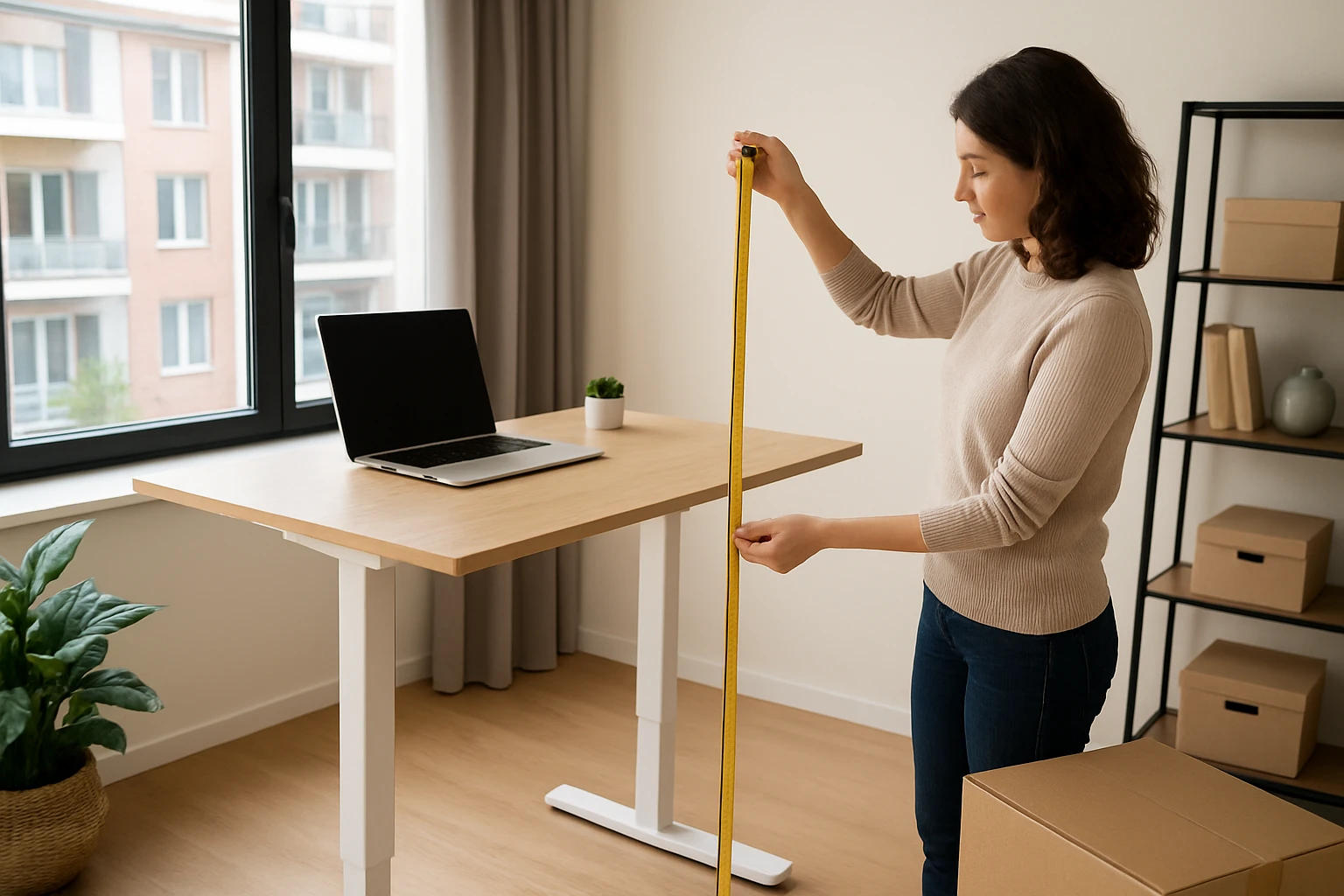
The first task is to determine the exact dimensions of the intended workstation area. Use a steel tape measure to record the width, depth, and height clearance from the floor to the ceiling, noting any protruding radiators or baseboards. Write the measurements on a notepad and compare them with the desk specifications to ensure a proper fit. If the chosen desk exceeds the available width, consider a narrower model or a desk converter that sits on an existing desk.
2. Verify Floor Load Capacity and Height Clearance
Standing desks can weigh between 30 and 150 pounds, depending on construction and motorisation. Check the apartment lease or building guidelines for any restrictions on floor load, especially for upper‑level units. Measure the distance from the floor to any overhead cabinets, light fixtures, or ceiling fans to guarantee that the desk can be raised to a comfortable standing height without obstruction. This step prevents costly adjustments after assembly.
3. Prepare the Area and Protect the Flooring
Clear the selected zone of furniture, rugs, and decorative items to create an unobstructed work surface. Lay a protective floor mat or a thin piece of plywood to distribute the desk’s weight and guard against scratches. For apartments with hardwood or laminate, a non‑slip rug pad works well. The KLSMYHOKI Adjustable Laptop Desk can serve as a temporary staging platform while the main desk is positioned, thanks to its lockable wheels and sturdy steel frame that supports up to 180 lb.
Key features of the KLSMYHOKI desk include an adjustable height range of 27‑43.5 in, a 31.5 × 16 in tabletop for tools and measuring devices, and four lockable wheels that allow easy relocation. Priced at $49.99 with a rating of 4.6/5 from 2,072 reviews, it offers a cost‑effective solution for protecting the floor during installation.
4. Assemble the Standing Desk or Converter
Follow the manufacturer’s instruction manual carefully, beginning with the base or frame components. Tighten all bolts with the supplied Allen wrench, but avoid over‑tightening which could strip threads. If the chosen product is a desk converter, the VIVO 32" Sit‑Stand Desk Converter provides a straightforward assembly process that requires minimal tools and can be placed on an existing desk.
The VIVO converter features a 31.5 × 15.7 in top surface, a dual‑monitor layout, and a keyboard tray that lifts in sync with the main platform. Its steel frame supports up to 33 lb on the desktop and 4.4 lb on the tray, making it suitable for most laptop and monitor configurations. Priced at $149.99 and rated 4.4/5 from 851 reviews, it offers a reliable, space‑saving option for apartments where a full‑size standing desk would be impractical.
5. Position and Level the Desk
Slide the assembled desk into its final location, using the protective mat or the KLSMYHOKI platform to avoid dragging heavy components across the floor. Check that the desk sits level by placing a small spirit level on the desktop; adjust the leveling feet if the model includes them. For motorised desks, the Furmax Electric Height Adjustable Desk provides built‑in leveling screws that can be turned until the surface is perfectly horizontal.
The Furmax desk boasts a large 55 × 24 in wood desktop, a quiet motor with a speed of 1 in per second, and memory presets for quick height changes. It supports users up to 180 lb and includes safety features such as anti‑collision and overheat protection. At $118.74 with a 4.4/5 rating from 5,003 reviews, it delivers a premium experience for those who prefer electric adjustment.
6. Connect Power and Test Height Adjustment
Plug the desk’s power cable into a grounded outlet that is easily reachable but does not create a tripping hazard. For electric desks, press the up and down buttons to verify smooth movement across the full height range. Test the memory presets, if available, to ensure the desk remembers preferred positions. For manual converters, engage the lift assist mechanism and confirm that the height locks securely at both sitting and standing positions.
During testing, listen for any unusual noises that could indicate motor strain or mechanical interference. If the desk does not reach the desired standing height, re‑measure the ceiling clearance and verify that no obstacles are limiting travel. Adjust the desk’s foot pads to compensate for uneven flooring, which can improve stability.
7. Fine‑Tune Ergonomics and Cable Management
Position the monitor so that the top of the screen is at or slightly below eye level, and keep the screen distance at an arm’s length. Arrange the keyboard and mouse on the tray or desktop, ensuring elbows remain at a 90‑degree angle. Use cable clips or a simple cable management box to keep power cords tidy and prevent accidental pulls.
Consider adding a monitor riser or an external keyboard if the desk height does not align perfectly with personal ergonomics. The VIVO converter’s integrated keyboard tray can be adjusted independently, offering flexibility for users of different heights. For larger setups, the Furmax desk’s spacious surface accommodates dual monitors, a laptop, and peripheral devices without crowding.
Tips & Pro Tips
- Measure twice, assemble once: double‑checking dimensions saves time and prevents re‑work.
- Use a rubber mallet to gently seat the desk legs into the floor mat without damaging the surface.
- Keep the assembly manual in a folder for future reference, especially for warranty claims.
- When using a converter on a desk, ensure the underlying desk can bear the combined weight of the converter and equipment.
- Place the power cord behind the desk and secure it with a clip to avoid accidental unplugging.
Troubleshooting
Desk wobbles after assembly: Check that all bolts are tightened evenly and that the floor is level. Adjust the leveling feet or add a shim under the leg that is lower.
Motor does not respond: Verify that the power outlet is functional and that the power switch on the desk is turned on. Reset the motor by unplugging for 30 seconds and plugging back in.
Height lock fails on a manual converter: Ensure the locking pin is fully engaged before releasing the lift. If the pin is damaged, contact the manufacturer for a replacement part.
Conclusion
By following this checklist one can confidently measure, prepare, and install a standing desk in an apartment without professional assistance. The guide emphasizes safety, ergonomics, and the use of reliable tools such as the VIVO converter, KLSMYHOKI mobile desk, and Furmax electric desk. Implementing these steps will create a healthier workspace that enhances productivity and reduces the risks associated with prolonged sitting.
Products Mentioned in This Guide
Frequently Asked Questions
How do I accurately measure my apartment space for a standing desk?
Use a steel tape measure to record width, depth, and ceiling height, noting obstacles like radiators or baseboards, then compare with the desk specs.
What should I check regarding floor load capacity before delivery?
Confirm the floor can support the desk’s weight by consulting building guidelines or a professional, especially for upper‑level units.
Which tools are essential for installing a standing desk in an apartment?
A screwdriver set, level, rubber furniture pads, and a helper or dolly are the most useful tools for safe setup.
How can I protect my flooring during desk delivery and installation?
Place moving blankets or cardboard under the desk legs and use rubber pads to prevent scratches or dents.
What steps can I take if the desk is too wide for my intended area?
Consider a narrower model, a desk converter, or re‑arrange nearby furniture to create enough clearance.