How to Turn a Task Light into a Grow Light: Keep Your Desk Plants Thriving
Introduction
Indoor desk plants improve air quality, reduce stress, and add visual interest to workspaces. One common challenge is providing adequate light, especially in rooms with limited natural illumination. This guide explains how to repurpose a standard task light into a dedicated grow light, ensuring that plants receive the spectrum and duration they need to flourish. Readers will learn practical steps, essential tools, and troubleshooting techniques that enable consistent growth without excessive expense.
What You'll Need
- A reliable task lamp with an adjustable arm or clamp.
- Power source (USB or AC outlet) near the workstation.
- Optional: GooingTop Clip-On LED Grow Light for enhanced spectrum control.
- Measuring tape or ruler to position the lamp at the correct distance.
- Timer plug (optional) to automate light cycles.
Step 1: Assess the Lighting Requirements of Your Plants
Begin by identifying the species of plants on the desk and their specific light intensity needs. Succulents and herbs typically require 6–8 hours of bright light, while low‑light foliage such as pothos or snake plants thrive with 4–6 hours. Consult the plant tag or reputable horticultural sources to determine the required photosynthetic photon flux density (PPFD). Understanding these parameters guides the selection of lamp intensity and placement.
Step 2: Choose a Suitable Task Lamp
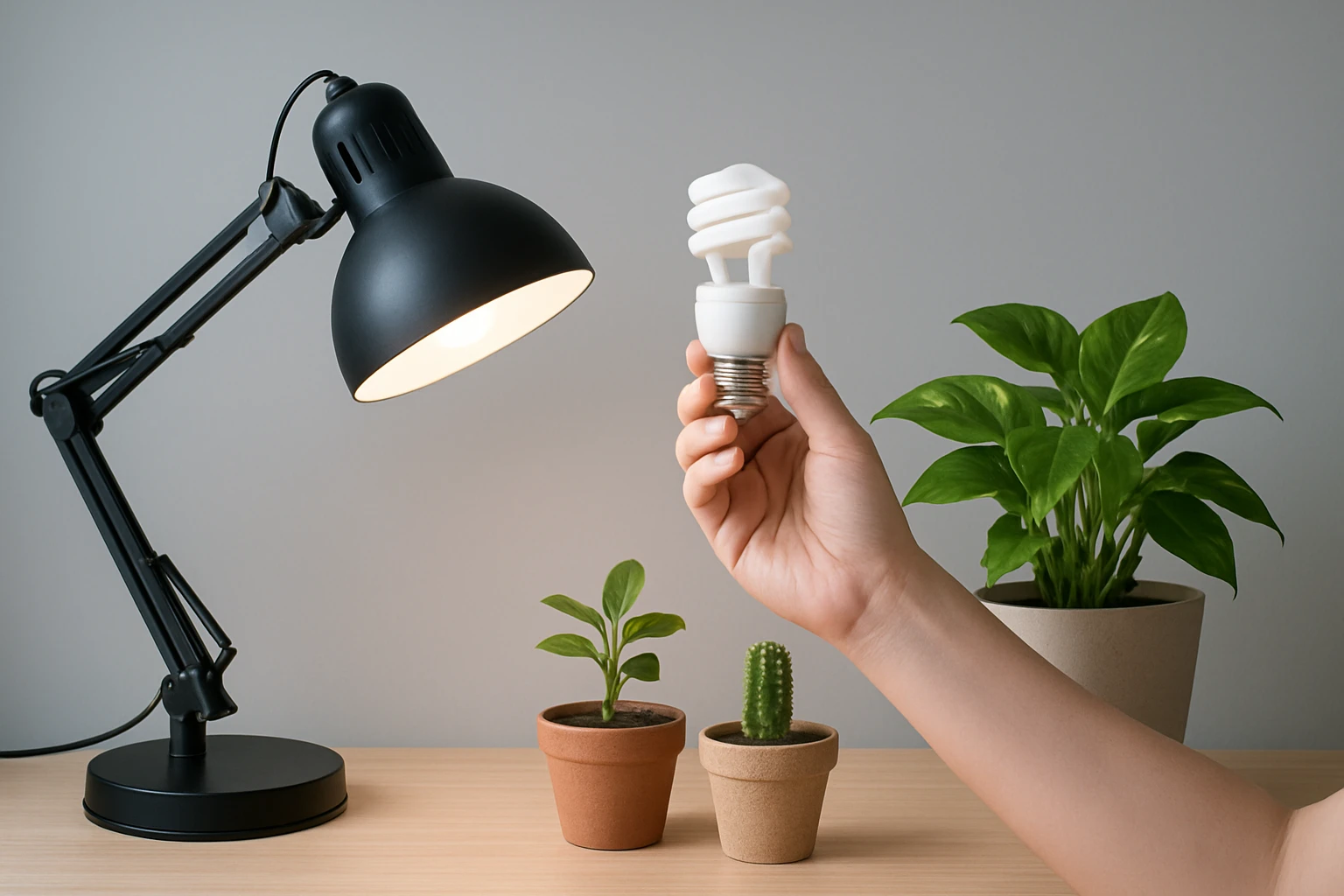
Select a lamp that offers a flexible gooseneck or clamp, allowing the light to be positioned directly above the foliage. A lamp with a sturdy base prevents accidental tipping during adjustments. If the existing lamp emits a warm incandescent glow, consider replacing the bulb with a full‑spectrum LED bulb that mimics natural sunlight. This modification improves energy efficiency and reduces heat output, which is crucial for small desk environments.
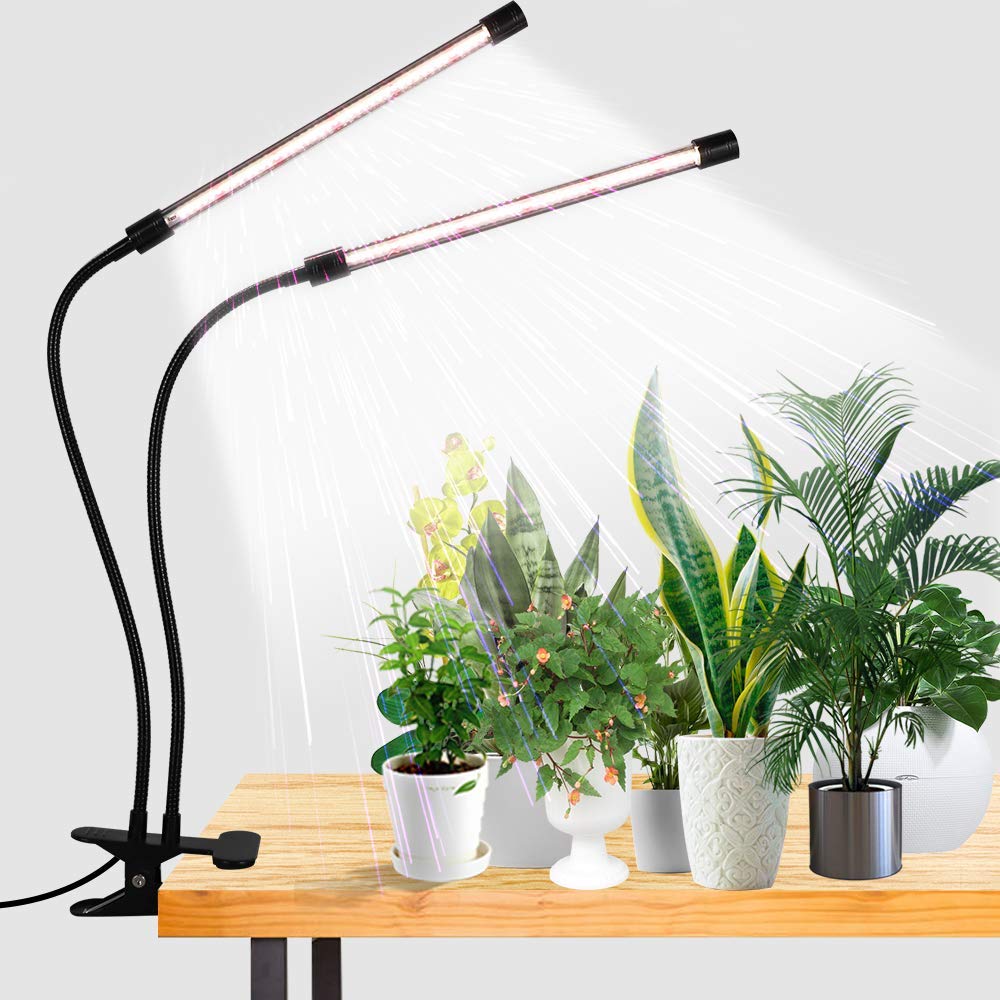
Step 3: Install the GooingTop Clip-On LED Grow Light
The GooingTop Clip-On LED Grow Light provides a 6000K white spectrum combined with 10 red LEDs, delivering a balanced light that approximates noon sunlight. Its color rendering index of 95 ensures that the light appears natural and does not cause plant stress. The unit consumes only about 10 W, equivalent to a 50 W halogen bulb, resulting in an estimated monthly electricity cost of roughly $2 when operated 12 hours per day. The clip mechanism attaches securely to the task lamp, while the flexible gooseneck permits precise angle adjustment.
Key specifications include:
- Price: $21.49
- Rating: 4.5/5.0 based on 21,750 reviews
- Five‑level dimming and timer settings (4 h, 8 h, 12 h) for automated cycles
- Power options: USB or AC plug, offering versatile placement
- 365‑day warranty and responsive customer service
Attach the clip to the lamp’s arm, tighten the clamp, and direct the light toward the plant canopy. Adjust the gooseneck until the light source is 6–12 inches above the foliage, depending on plant size and intensity requirements.
Step 4: Configure the Timer and Dimming Settings
Set the timer function on the grow light to match the daily light integral (DLI) needed by the plants. For most foliage, an 8‑hour cycle provides sufficient energy without causing photoinhibition. Use the five‑level dimmer to fine‑tune brightness; start at a medium setting and observe plant response over a week. If leaves begin to yellow, reduce intensity or shorten the exposure period.
Step 5: Position the Desk and Optimize Reflectivity
Place the workstation near a wall that reflects light, such as a light‑colored surface, to increase overall illumination. Avoid reflective glass that may cause glare on the screen. Ensure that the lamp does not obstruct the view of the monitor, maintaining ergonomic comfort. A small reflective foil placed behind the plant can boost light distribution without additional energy consumption.
Step 6: Monitor Plant Health and Adjust Accordingly
Observe the plants for signs of adequate lighting: compact growth, vibrant coloration, and steady new leaf emergence. Indicators of insufficient light include leggy stems and pale foliage, while excess light may cause leaf scorch or bleaching. Keep a simple log noting the duration of light exposure, any adjustments made, and visible plant changes. This systematic approach enables data‑driven refinements.
Tips & Pro Tips
- Rotate plants every few days to ensure uniform light exposure on all sides.
- Combine the grow light with a humidity tray to maintain moisture levels for tropical species.
- Use a smart plug with scheduling capabilities if the built‑in timer does not meet specific timing needs.
- Periodically clean the LED surface with a soft, dry cloth to prevent dust from reducing light output.
- When multiple plants share a lamp, stagger their positions to avoid shading each other.
Troubleshooting
Problem: Leaves are turning yellow despite proper timer settings.
Solution: Reduce the intensity using the dimmer, increase the distance between light and foliage, and verify that the water‑ing schedule is not excessive.
Problem: The lamp flickers or shuts off intermittently.
Solution: Ensure the USB or AC connection is secure, replace the power adapter if necessary, and confirm that the timer is not set to a conflicting cycle.
Conclusion
Transforming a standard task lamp into an effective grow light empowers desk workers to maintain healthy indoor plants without extensive renovation. By following the outlined steps, selecting appropriate tools such as the GooingTop Clip-On LED Grow Light, and monitoring plant responses, one can achieve consistent growth and aesthetic benefits. Consistent lighting, proper positioning, and periodic adjustments ensure that desk plants remain vibrant companions throughout the workday.
Products Mentioned in This Guide
Frequently Asked Questions
Can a regular desk lamp provide enough light for indoor plants?
Yes, if you use a full‑spectrum LED bulb and position it correctly, a desk lamp can meet the light needs of most low‑to‑medium light plants.
What type of LED bulbs are best for converting a task light into a grow light?
Choose a full‑spectrum or cool white LED bulb (4000‑6500 K) with a high PAR rating to deliver the wavelengths plants need.
How far should the lamp be placed from desk plants for optimal growth?
Keep the light 6‑12 inches away; adjust based on plant response—too close causes leaf scorch, too far leads to leggy growth.
Is a timer necessary for a DIY task light grow setup?
A timer isn’t required but helps maintain consistent photoperiods, typically 12‑16 hours for most desk plants.
Can I use a USB‑powered task lamp for larger plant varieties?
USB lamps work for small succulents or herbs, but larger plants usually need higher wattage AC‑powered lights for sufficient intensity.