Introduction
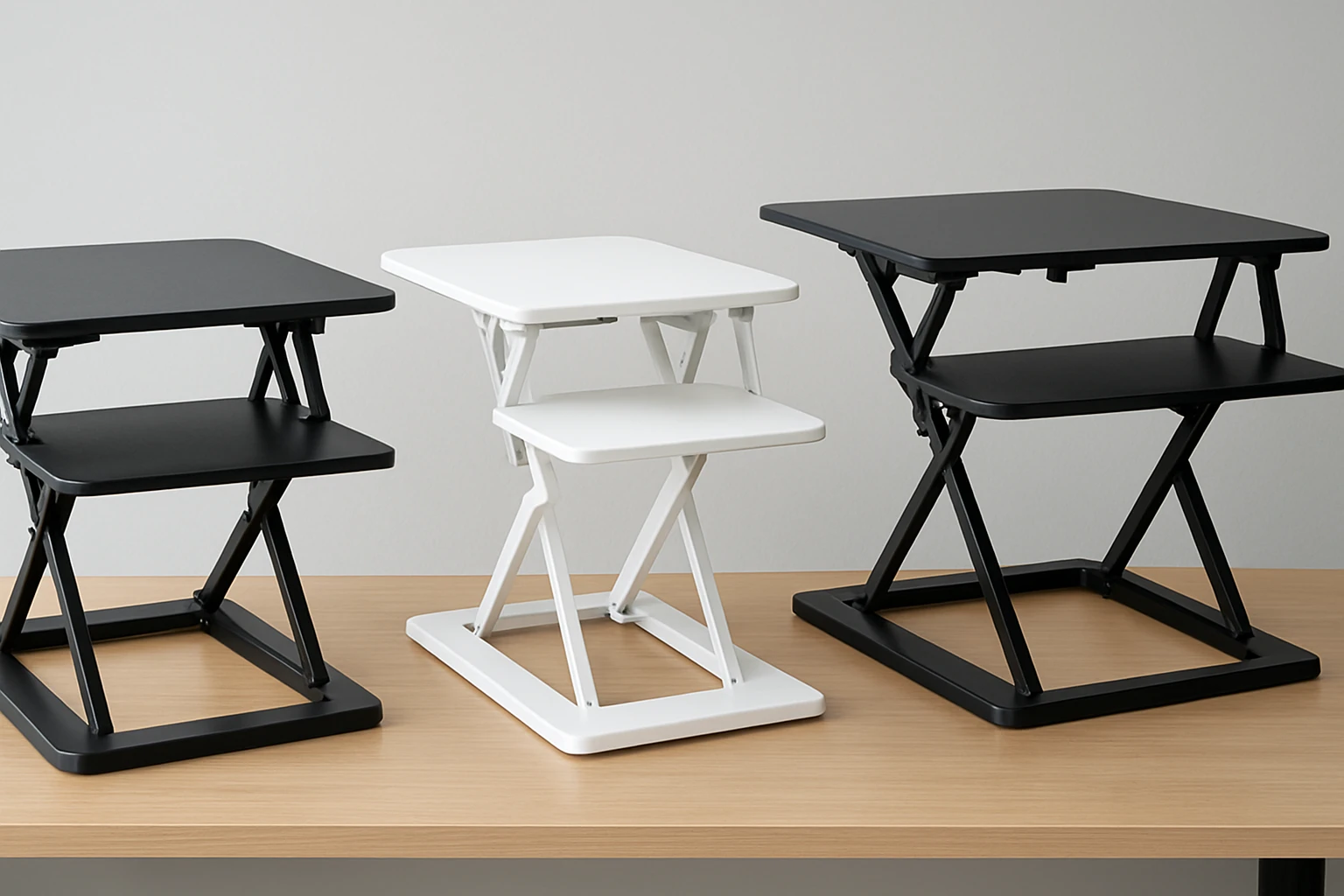
Standing desk converters have become essential tools for professionals who seek to alternate between sitting and standing without replacing their existing desk. VIVO offers three distinct models that target different workspace configurations: the Black 29‑inch converter, the White 29‑inch converter, and the larger 32‑inch converter with a keyboard tray. This article evaluates each model using real Amazon data, explains why the comparison matters, and assists readers in selecting the most appropriate unit for their needs.
Understanding the nuances of price, feature set, load capacity, and user feedback enables one to make an informed purchase that maximizes ergonomic benefit while protecting the budget. The following sections present individual overviews, a head‑to‑head analysis, and concrete recommendations.
Individual Product Overviews
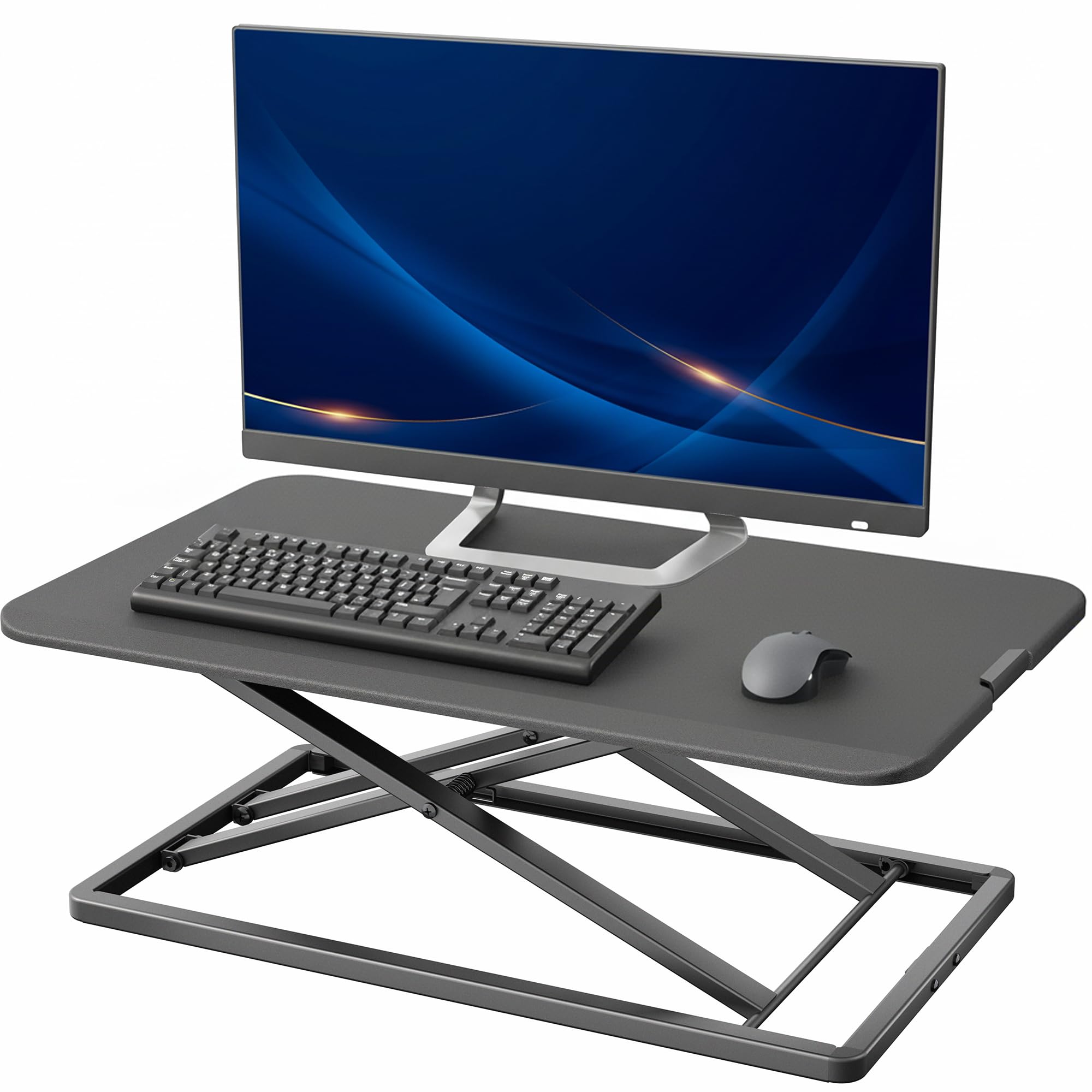
VIVO Black Standing Desk Converter
The Black converter measures 29.3 × 17.8 inches, providing a spacious platform for a monitor and a full‑size keyboard. It supports up to 22 lb and features a patented simple‑touch height‑locking mechanism that moves smoothly from 1.8 in to 16.2 in. The unit arrives fully assembled, allowing immediate use. With a 4.6‑star rating from 708 reviews, customers frequently praise its stability and low‑profile design.
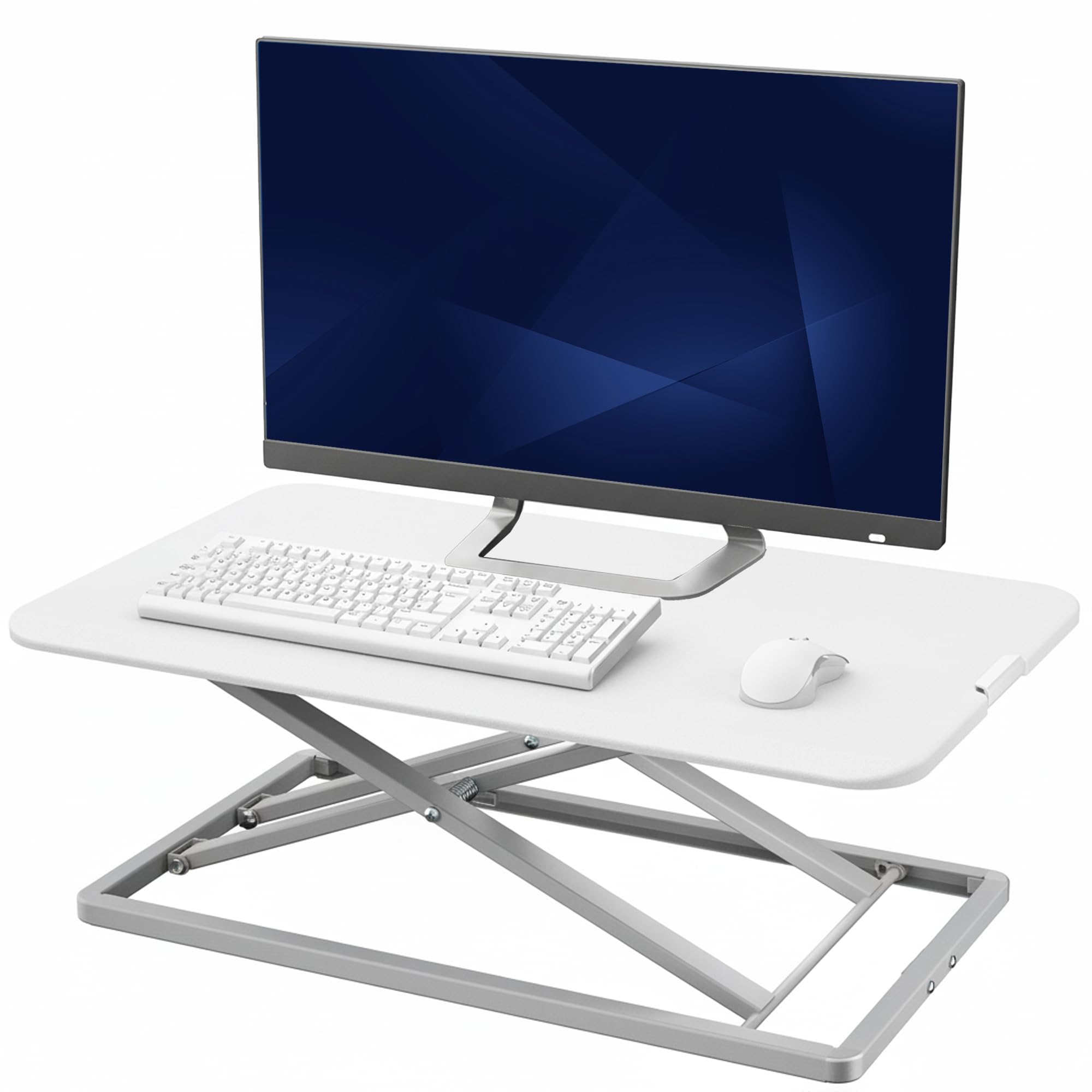
VIVO White Standing Desk Converter
The White version mirrors the dimensions and load capacity of the Black model, offering the same 29.3 × 17.8 inch surface and 22 lb weight limit. It also incorporates the same simple‑touch height‑locking system and arrives pre‑assembled. Priced at $89.99, it shares a 4.6‑star rating from 708 reviews, with buyers highlighting its clean aesthetic and ease of adjustment.
VIVO 32" Desk Converter with Keyboard Tray
The 32‑inch model expands the work surface to 31.5 × 15.7 inches and adds a synchronized keyboard tray measuring 31.3 × 11.8 inches. Its steel frame supports up to 33 lb on the desktop and 4.4 lb on the tray. Height adjustment ranges from 4.5 in to 20 in, offering a broader standing range. The unit holds a 4.4‑star rating from 860 reviews, with users appreciating the dual‑monitor capability and robust construction.
Head‑to‑Head Comparison
Price and Value
- Black Converter: Price not disclosed; value derived from high rating and feature set.
- White Converter: $89.99; provides identical functionality to the Black model at a transparent price point.
- 32" Converter: Price not disclosed; higher load capacity and larger surface justify a premium.
Features and Specifications
| Feature | Black | White | 32" |
|---|---|---|---|
| Surface Dimensions | 29.3 × 17.8 in | 29.3 × 17.8 in | 31.5 × 15.7 in |
| Keyboard Tray | No | No | Yes (31.3 × 11.8 in) |
| Weight Capacity (Desktop) | 22 lb | 22 lb | 33 lb |
| Weight Capacity (Tray) | N/A | N/A | 4.4 lb |
| Height Adjustment Range | 1.8 in – 16.2 in | 1.8 in – 16.2 in | 4.5 in – 20 in |
| Assembly Required | Zero | Zero | Minimal |
Customer Ratings and Feedback
Both the Black and White converters share a 4.6‑star rating based on 708 reviews each. Reviewers frequently comment, "The height adjustment is smooth and the unit feels very stable even at maximum height." The 32‑inch model holds a slightly lower rating of 4.4 stars from 860 reviews, with comments such as, "The larger surface is perfect for dual monitors, but the tray feels a bit flimsy under heavy keyboards."
Performance and Reliability
All three models employ the patented simple‑touch height‑locking mechanism, which reviewers describe as "reliable" and "free of wobble." The Black and White units are praised for their low‑profile footprint, making them suitable for compact workstations. The 32‑inch version, while larger, is noted for its sturdy steel frame that resists scratches and maintains stability under heavier loads.
Best Use Cases
- Black or White 29‑inch converters: Ideal for single‑monitor setups, home offices, or shared desks where space is limited.
- 32‑inch converter with keyboard tray: Best for dual‑monitor arrangements, graphic designers, or users who require a dedicated tray for a mechanical keyboard and mouse.
Pros & Cons
VIVO Black Standing Desk Converter
- Pros: Zero assembly, compact footprint, smooth height adjustment, strong 22 lb capacity.
- Cons: No keyboard tray, price not disclosed, limited color option.
VIVO White Standing Desk Converter
- Pros: Same features as Black model, transparent $89.99 price, clean white finish matches bright interiors.
- Cons: No keyboard tray, identical specifications limit differentiation.
VIVO 32" Desk Converter with Keyboard Tray
- Pros: Larger surface supports dual monitors, built‑in keyboard tray, higher desktop load capacity, broader height range.
- Cons: Slightly lower rating, minimal assembly required, tray weight limit is modest.
Recommendations
For users who need a straightforward, space‑saving solution for a single monitor, the VIVO Black Standing Desk Converter provides excellent value, especially when price is not the primary concern. Those who prefer a bright aesthetic and wish to know the exact cost should select the VIVO White Standing Desk Converter at $89.99.
Professionals requiring dual‑monitor real‑estate and a dedicated keyboard area will benefit most from the VIVO 32" Desk Converter with Keyboard Tray. Its higher load capacity and extended height range accommodate larger setups and taller users.
FAQ
- Do the converters require tools for assembly? Both the Black and White models arrive fully assembled and require no tools. The 32‑inch model requires minimal assembly to attach the keyboard tray.
- What is the maximum monitor size each converter can support? The 29‑inch models comfortably hold monitors up to 24‑inch without exceeding the 22 lb limit. The 32‑inch model can support two monitors up to 27‑inch each, given the 33 lb desktop capacity.
- Is the height‑locking mechanism safe for frequent adjustments? Yes. All three units use a patented simple‑touch mechanism that locks securely after each adjustment, and reviewers report no slippage over months of use.
- Can the 32‑inch converter be used on a standing desk that already has a raised surface? Yes, the unit is designed to sit on an existing desk of any height, provided the combined height does not exceed the user’s comfort range.
- Are there any warranty details available? The product listings do not specify warranty terms; buyers should consult the seller’s Amazon page for warranty information.
Conclusion
Each VIVO converter addresses a specific segment of the ergonomic market. The Black and White 29‑inch models excel in compactness, ease of setup, and consistent performance, while the 32‑inch version offers expanded workspace and a built‑in tray for power users. Based on the data, the recommended purchase hierarchy is:
- Choose the VIVO Black Standing Desk Converter for a sleek, no‑assembly solution.
- Select the VIVO White Standing Desk Converter when price transparency and a lighter color are preferred.
- Opt for the VIVO 32" Desk Converter with Keyboard Tray for dual‑monitor setups and users who need a larger, more robust platform.
All three products maintain high customer satisfaction, and the final decision should align with workspace dimensions, monitor count, and aesthetic preference.
Products Mentioned in This Review
Frequently Asked Questions
What are the size differences between VIVO's 29‑inch and 32‑inch standing desk converters?
The 29‑inch models measure about 29.3 × 17.8 inches, while the 32‑inch version is larger to accommodate a keyboard tray and extra workspace.
How much weight can each VIVO converter support?
Both 29‑inch converters support up to 22 lb, and the 32‑inch model has a similar load capacity, suitable for a monitor and full‑size keyboard.
Is there a functional difference between the black and white 29‑inch converters?
Functionally they are identical; the only difference is the color finish (black vs. white) to match office décor.
Can the VIVO converters be used on any existing desk?
Yes, they are designed to sit on standard desks without requiring modifications or a dedicated standing‑desk frame.
What should buyers consider when choosing between the VIVO models?
Consider desk space, desired aesthetics, and whether you need a built‑in keyboard tray; the 32‑inch model offers extra surface area and a tray, while the 29‑inch units are more compact.