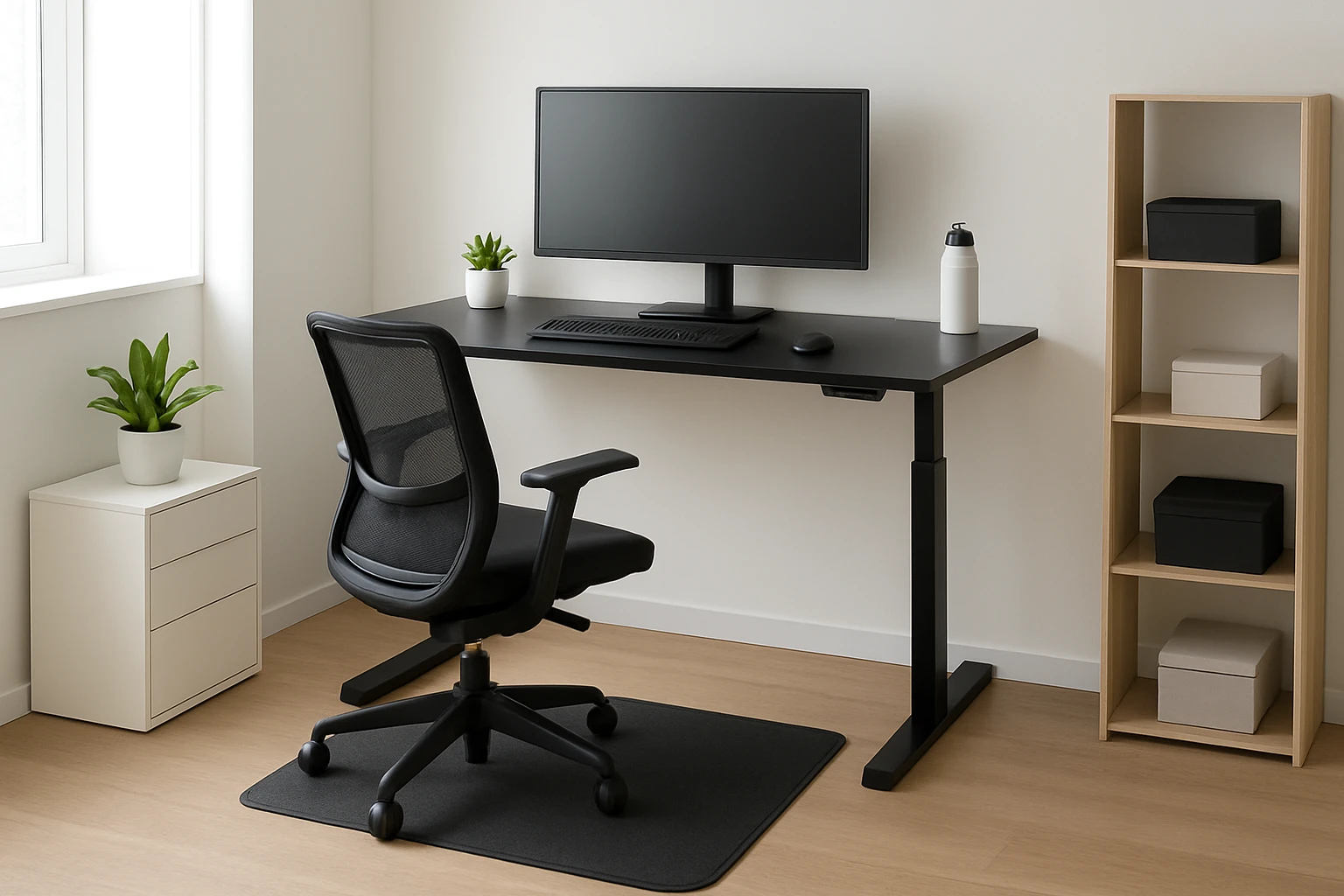
Ultimate Guide to Ergonomic Standing Desk Setups in Small Rooms: Space-Saving Layouts, Height Settings & Posture Tips
Introduction
This guide explains how to design an ergonomic standing‑desk workstation when floor space is limited. Readers will learn foundational ergonomics, space‑saving furniture arrangements, optimal height configurations, and posture maintenance strategies. The article also recommends specific products that enhance comfort and productivity without crowding a modest room. By the end of the guide, one will possess a clear plan for a healthier, more efficient workspace.
Background and Context
Standing desks have become popular because they encourage movement and reduce the health risks associated with prolonged sitting. Research indicates that alternating between sitting and standing can improve circulation, lower back health, and energy levels. However, the benefits are realized only when the desk height, monitor position, and accessories are correctly adjusted. In small rooms, the challenge lies in selecting compact equipment that does not compromise stability or functionality.
Ergonomic theory emphasizes three core principles: neutral spine alignment, elbows at a 90‑degree angle, and feet flat on a supportive surface. When these principles are applied, muscular strain diminishes and productivity increases. The following sections translate these principles into practical design choices for limited spaces.
Space‑Saving Desk Options
Choosing a desk that fits a compact footprint while offering height adjustability is essential. The following products combine a small footprint with robust ergonomic features.
- HUANUO Electric Standing Desk – A 48‑inch surface with two built‑in drawers and a C‑clamp mount compatible rear edge. The desk adjusts from 27.5″ to 46.4″, includes four preset height buttons, and carries a 4.6‑star rating from 893 reviews.
- DUMOS Electric Standing Desk – A 63‑inch wide tabletop that supports up to 176 lb and offers a silent motor below 50 dB. It provides three programmable memory presets and a sturdy steel frame that eliminates wobble.
- ErGear Mobile Standing Desk – A rolling workstation with a 31.5″ × 15.75″ desktop, six height levels from 28.3″ to 46.3″, and lockable wheels for easy relocation. The carbon‑steel construction supports 176 lb and includes a built‑in cup holder and storage basket.
Each of these desks addresses a different spatial need. The HUANUO model excels in organization for a modest footprint, the DUMOS model maximizes surface area for multiple monitors, and the ErGear model provides mobility for rooms where a fixed desk would obstruct traffic.
Anti‑Fatigue Accessories for Small Spaces
Standing on a hard floor for extended periods can cause foot fatigue and lower‑back discomfort. Anti‑fatigue accessories mitigate these issues while preserving a compact layout.
- FEZIBO Balance Board – A wooden wobble board that encourages micro‑movements, supports up to 320 lb, and features an 8.5° tilt angle. Users report reduced leg stiffness and increased circulation.
- GORILLA GRIP Anti‑Fatigue Mat – A 3/4‑inch thick foam mat with a durable rubber backing, waterproof surface, and a 4.4‑star rating from 14,985 reviews. The mat provides cushioning for prolonged standing at a low cost.
Both accessories occupy minimal floor area while delivering measurable comfort benefits. The balance board adds subtle movement, whereas the foam mat offers static cushioning.
Comparison and Selection Guide
| Feature | HUANUO Electric Standing Desk | DUMOS Electric Standing Desk | ErGear Mobile Standing Desk | FEZIBO Balance Board | GORILLA GRIP Mat |
|---|---|---|---|---|---|
| Surface Area | 48" x 24" | 63" x 30" (approx.) | 31.5" x 15.75" | 24" x 24" board | 24" x 17" mat |
| Height Range | 27.5" – 46.4" | 28.7" – 48" | 28.3" – 46.3" | Fixed tilt | Fixed thickness |
| Weight Capacity | 150 lb (estimated) | 176 lb | 176 lb | 320 lb | 300 lb |
| Adjustment Mechanism | Motor with 4 presets | Motor with 3 presets | Manual knobs | None | None |
| Mobility | Fixed | Fixed | Lockable wheels | Portable | Portable |
| Price (USD) | $123.48 | $94.99 | $65.99 | $64.99 | $33.99 |
| Average Rating | 4.6/5 (893 reviews) | 4.6/5 (874 reviews) | 4.6/5 (40 reviews) | 4.5/5 (3,803 reviews) | 4.4/5 (14,985 reviews) |
When selecting a desk for a small room, prioritize footprint, weight capacity, and adjustability. The HUANUO desk offers built‑in storage, making it ideal for rooms where drawer space is scarce. The DUMOS desk provides the widest surface, suitable for dual‑monitor setups. The ErGear desk excels in flexibility because it can be moved to accommodate changing room layouts.
Best Practices & Tips
- Measure the room before purchasing any desk. Leave at least 30 cm of clearance behind the desk for cable routing and leg movement.
- Set the desk height so that the elbows form a 90‑degree angle when the hands rest on the keyboard. For most users, this height falls between 40‑45 cm above the floor.
- Use a monitor riser or C‑clamp mount (compatible with the HUANUO rear edge) to keep the screen top at or slightly below eye level.
- Incorporate an anti‑fatigue mat or balance board to reduce foot pressure. Alternate between the two throughout the day to stimulate different muscle groups.
- Adopt a micro‑break routine: stand for 30 minutes, then sit for 10 minutes, and repeat. Use a timer or the desk’s preset memory to remind oneself.
- Keep cables organized with zip ties or a cable tray that can be mounted under the desk surface. This prevents tripping hazards and maintains a tidy appearance.
- Adjust lighting to avoid glare on the monitor. A desk lamp with adjustable arm can be positioned without consuming floor space.
Frequently Asked Questions
What height should my standing desk be set to for optimal posture?
The desk height should allow the forearms to rest parallel to the floor while typing, which typically corresponds to a desk surface 100‑110 cm from the floor for an average adult. Users who are taller than 6″ may need to raise the desk to the maximum setting.
Can I use a standing desk in a bedroom without making the space feel cramped?
Yes, by selecting a compact model such as the ErGear Mobile Standing Desk and pairing it with a slim anti‑fatigue mat, the workstation occupies less than 2 sq ft. The lockable wheels enable the desk to be tucked away when not in use.
Is a balance board necessary if I already have an anti‑fatigue mat?
A balance board is not required but it adds subtle movement that can improve circulation and core activation. Users who enjoy occasional micro‑exercise may find the FEZIBO Balance Board a valuable complement to a static mat.
How loud is the motor on the DUMOS desk?
The DUMOS desk motor operates below 50 dB, which is quieter than a normal conversation. This low noise level makes the desk suitable for shared living spaces or home offices.
Will the HUANUO desk fit a dual‑monitor arm?
Yes, the extended 2.36″ rear platform edge is designed for C‑clamp mounting, allowing a dual‑monitor arm to be attached securely.
Conclusion
Designing an ergonomic standing‑desk setup in a small room requires careful consideration of footprint, adjustability, and supportive accessories. By applying the height and posture guidelines outlined above, and by selecting one of the recommended products, individuals can create a healthier workspace without sacrificing valuable floor area. Consistent use of micro‑breaks, proper monitor positioning, and anti‑fatigue accessories will further enhance comfort and productivity.
Products Featured in This Guide
HUANUO Electric Standing Desk
Price: $123.48 | Rating: 4.6/5 (893 reviews)
Featured for its built‑in storage drawers, C‑clamp compatible rear edge, and four height presets that suit compact home offices.
DUMOS Electric Standing Desk
Price: $94.99 | Rating: 4.6/5 (874 reviews)
Featured for its expansive 63‑inch surface, silent motor, and sturdy steel frame that eliminates wobble even at full height.
ErGear Mobile Standing Desk
Price: $65.99 | Rating: 4.6/5 (40 reviews)
Featured for its lockable wheels, six height levels, and integrated cup holder and storage basket, ideal for dynamic small‑room layouts.
FEZIBO Balance Board
Price: $64.99 | Rating: 4.5/5 (3,803 reviews)
Featured for its wobble design that promotes micro‑movements, 320 lb weight capacity, and compact footprint suitable for standing‑desk users.
GORILLA GRIP Anti-Fatigue Mat
Price: $33.99 | Rating: 4.4/5 (14,985 reviews)
Featured for its ultra‑thick foam cushioning, waterproof top, and durable rubber backing that provide comfort in any small‑room standing setup.